#Coding & customizations
Top 10 Mercedes-Benz hidden features you can unlock in 2026


TL;DR: Mercedes drivers love deactivating Start/Stop, enabling Multimedia Startup Logo, turning on Video in Motion, and more. You can do all this with one tap using One-Click Apps.
Mercedes-Benz already delivers a premium driving experience – but what if you could tailor it even more to your preferences?
OBDeleven’s signature One-Click Apps make that possible. These ready-to-use adjustments let you activate, deactivate, or customize features that are usually hidden by default.
Want better lighting, smoother driving in traffic, or a more personalized interior display? Start here – we’ve picked some of the most popular options right now.
Most popular One-Click Apps for Mercedes-Benz
If you’re not familiar with them yet, think of One-Click Apps as a simpler way to do Mercedes coding – quick, easy, and ready to activate in just a few taps.
One-Click Apps are a reliable choice because OBDeleven is officially licensed by Mercedes-Benz. You get access to an extensive library of apps for different models – and with them, you can skip workshop visits and handle everything yourself:
- Personalize your car in seconds
- Unlock hidden features
- Improve comfort and convenience
- Save money on simple adjustments
Here are some of the ones our users have been enjoying the most lately:
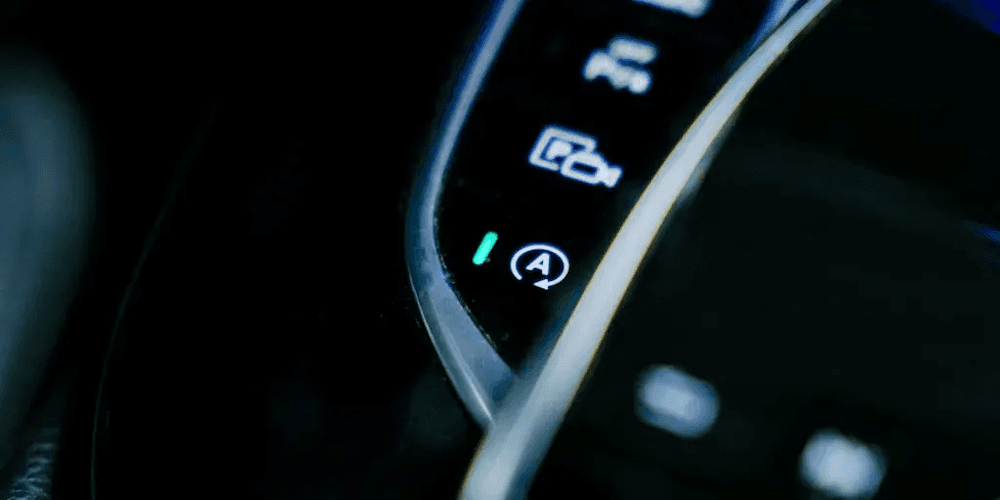
1. Start/Stop Deactivation
Mercedes’ ECO Start/Stop system automatically shuts off the engine when you stop and restarts it when you move. While it helps reduce fuel consumption, it’s not always ideal – especially in city traffic.
With the Start/Stop Deactivation One-Click App, you can turn this feature off completely – no more pressing the button every time you start your car.

Why Mercedes drivers love it:
Smoother driving with fewer interruptions.
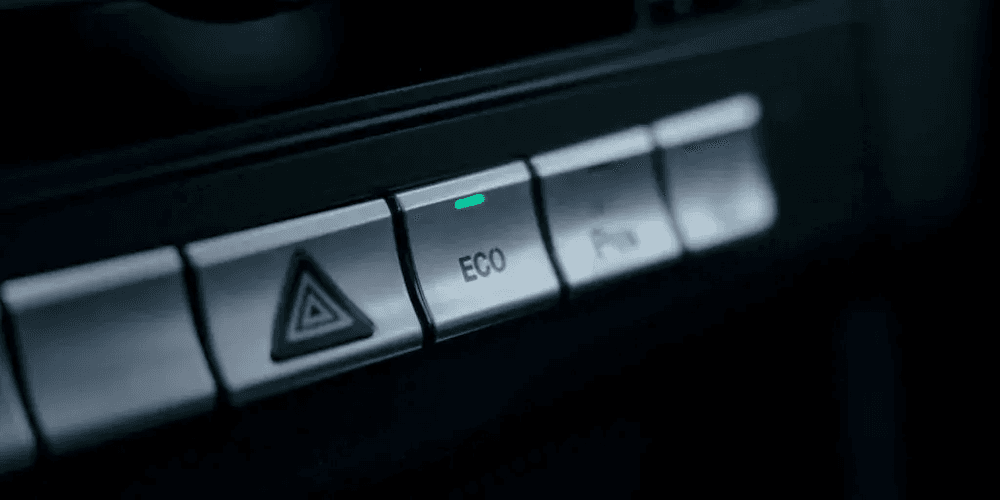
2. Start/Stop Memory
A useful addition when Start/Stop Deactivation is not permanent, this app remembers your last setting. If you turn it off, it stays off the next time you start your car.
Why Mercedes drivers love it:
No need to repeat the same action every drive.
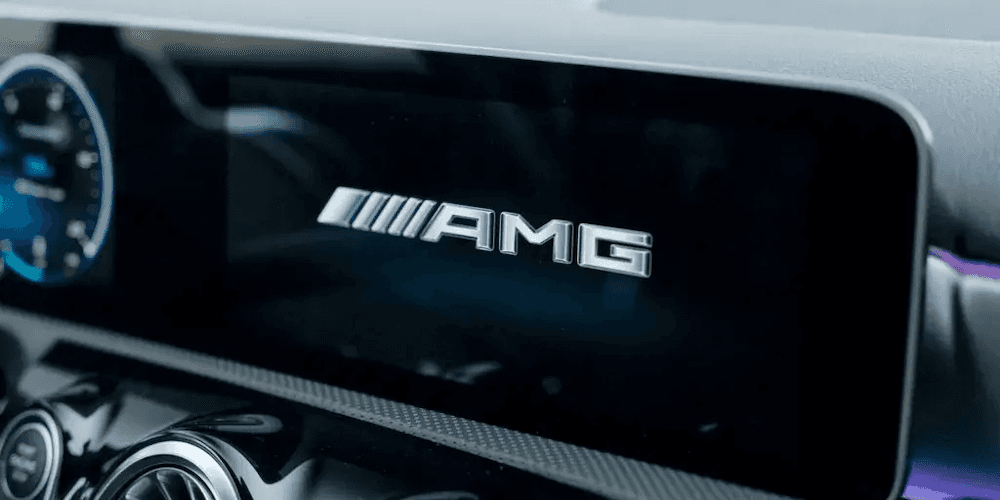
3. Multimedia Startup Logo
This One-Click App lets you change the startup logo of your infotainment system, giving your Mercedes a more personalized feel every time you turn it on.
Why Mercedes drivers love it:
A subtle but premium custom touch – and great for a dramatic first impression upon turning on the engine.
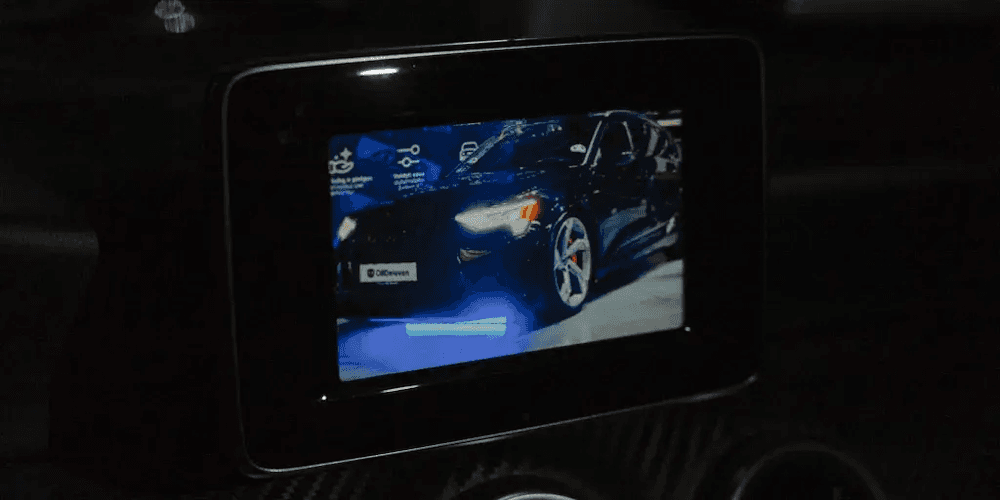
4. Video in Motion
Video in Motion allows video playback while the vehicle is moving – a feature often restricted by default.
Why Mercedes drivers love it:
Keeps passengers entertained on longer trips.
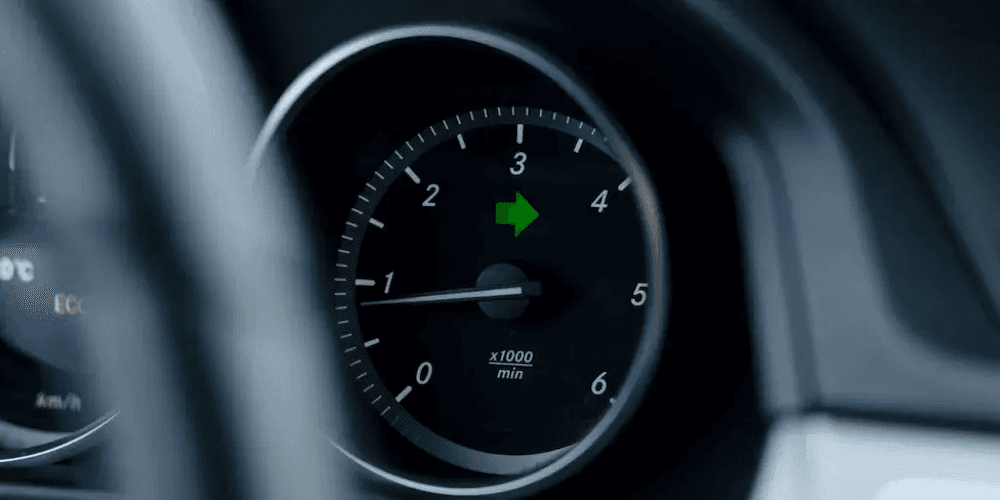
5. Comfort Turn Signals Count
Ever wished your turn signal blinked more (or fewer) times? This app lets you adjust the number of indicator flashes with a light tap.
Why Mercedes drivers love it:
Improves signaling clarity during lane changes, especially on highways or in heavy traffic.
Note: The Comfort Turn Signals feature must be activated prior for this to work.
6. Scandinavian DRL
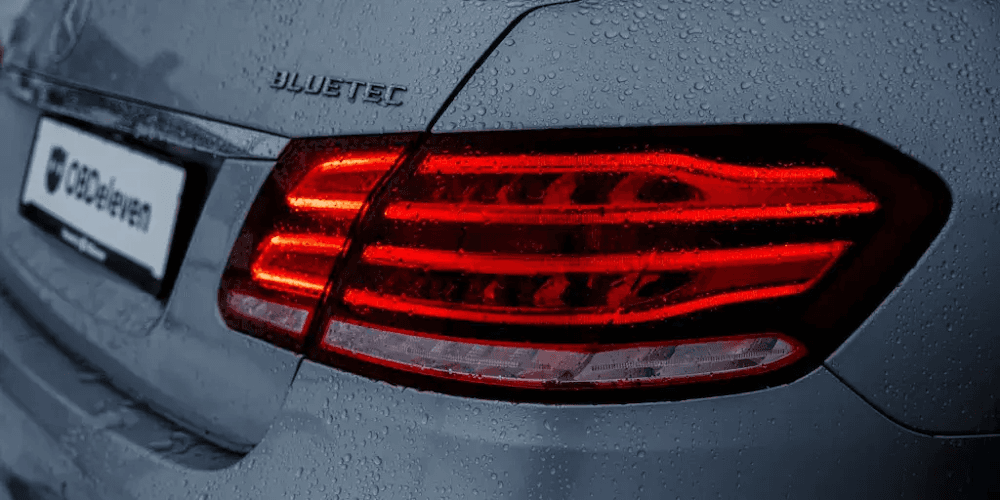
Scandinavian DRL keeps daytime running lights (DRL) on alongside your taillights simultaneously, improving visibility and giving your car a distinctive look. In some regions, this setting is even required.
Why Mercedes drivers love it:
Better visibility and a stylish lighting upgrade – especially useful in dull weather conditions.
7. Footwell Lights While Driving
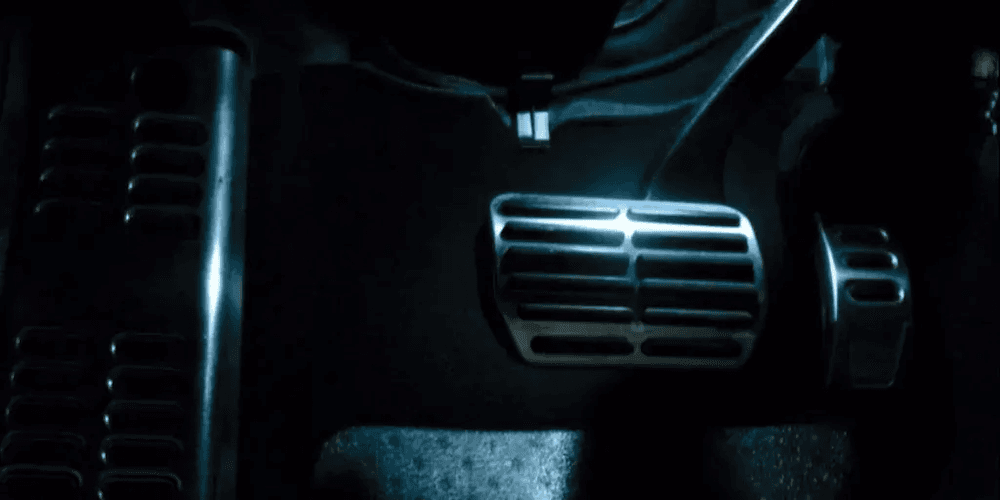
Keep your footwell lights on while driving to enhance the cabin atmosphere – especially at night.
This One-Click App keeps the footwell lights always on as part of the ambient lighting system, as long as your vehicle is equipped with them.
Why Mercedes drivers love it:
Adds a more premium interior feel.
8. Multimedia Display Theme
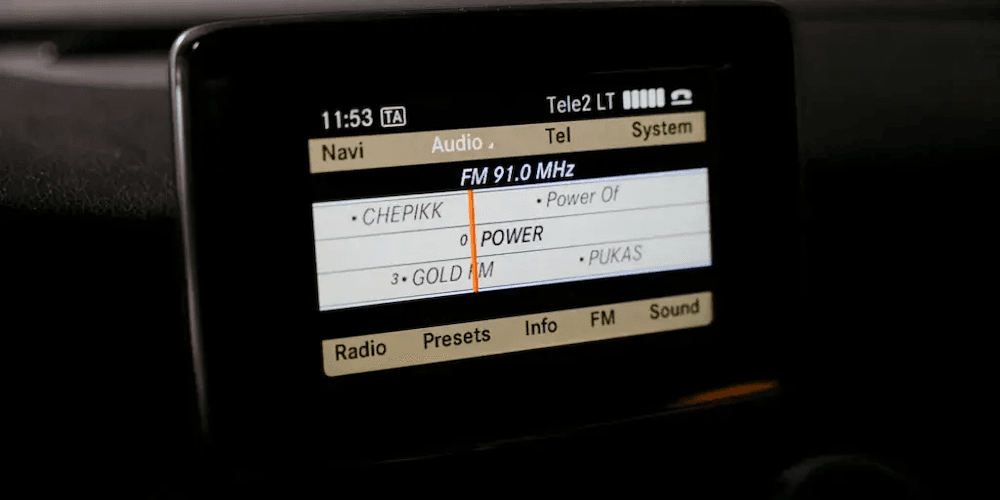
This One-Click App lets you change your display theme, giving your dashboard a fresh visual style and allowing day and night modes depending on the model.
Why Mercedes drivers love it:
A simple way to refresh your interior without any hardware changes.
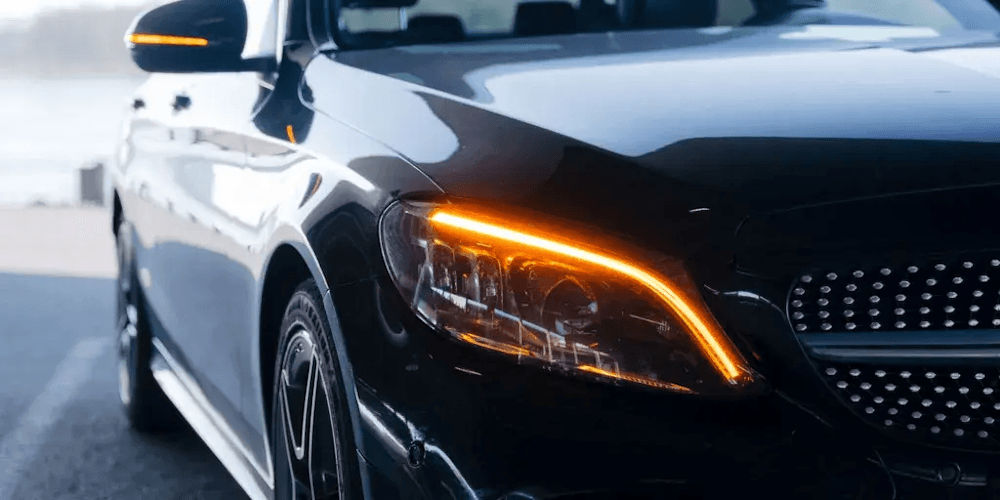
9. DRL with Turn Signal
This feature adjusts how your daytime running lights behave when signaling.
When activated, the DRL on the side of the active turn signal temporarily turns off, enhancing blinker visibility.
Why Mercedes drivers love it:
A subtle upgrade that adds contrast and a more modern lighting effect.
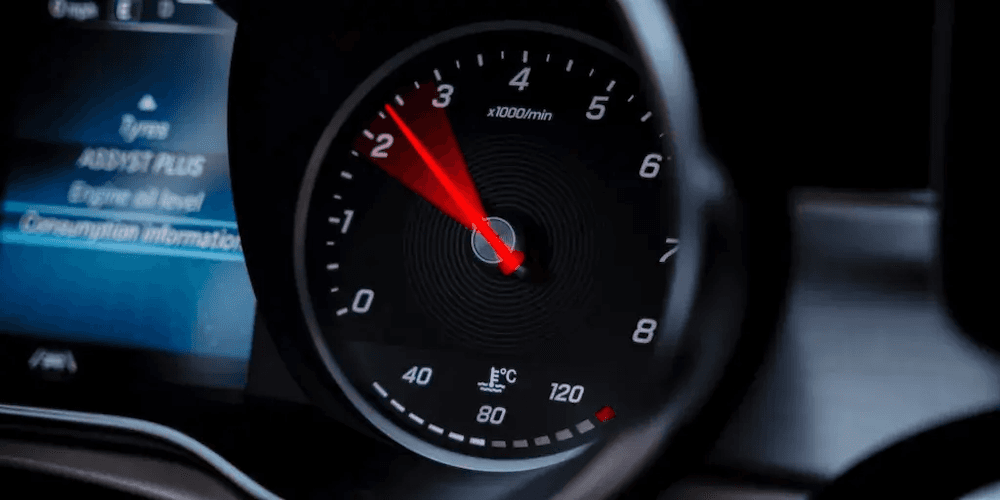
10. Dynamic Tachometer Mode
Dynamic Tachometer Mode enhances how your gauges behave, making the instrument cluster more responsive. With this function on, the tachometer reacts faster than the actual engine revs.
Why Mercedes drivers (and enthusiasts) love it:
A more engaging, sportier display feel.
How to use One-Click Apps on your Mercedes-Benz?
Getting started with Mercedes-Benz One-Click Apps using OBDeleven is quick and simple. Just follow these steps to activate features in minutes:
- Plug the OBDeleven 3 device into your car’s OBD2 port, open the app, log in, and connect to your vehicle.
- Open the One-Click Apps widget to browse available features.
- Select the function you want, tap View options, then tap Activate.
You can activate One-Click Apps with our in-app currency, Credits, or make them nearly unlimited with the ULTIMATE plan.
Note: Available One-Click Apps depend on your vehicle’s equipment. If you’d like to check what’s possible your car online, you can find all functions sorted by a specific car here – just enter your car’s make, model, and year.
Try One-Click Apps for your Mercedes now


100 Crediti
Aggiungi 100 Crediti al tuo account per attivare diverse One-Click Apps
€17.99