#Coding & customizations
Top 10 Ford Mustang hidden features you can unlock


TL;DR: With OBDeleven One-Click Apps, you can activate hidden features without manual coding – it takes only a few taps. Ford Mustang drivers especially enjoy changing the multimedia startup logo, switching to a Ford GT multimedia theme, enabling Cornering Lights, adding Line Lock to the menu for burnouts, and showing average speed in the instrument cluster.
Ford Mustang drivers know life’s too short to drive a boring car. And if you already own one, why not make it even more fun?
With OBDeleven One-Click Apps, you can tweak selected hidden features in just a few taps. No manual coding and no complicated steps. Just choose a function, select your preferred option, and apply the change.
In this blog post, we’ve rounded up the Ford Mustang One-Click Apps our users have been loving the most lately.
Note: The top 10 One-Click Apps listed below are available for Ford Mustangs manufactured in the US between 2015 and 2023.
What can you do for your Ford with One-Click Apps?
If you haven’t used them before, One-Click Apps are a simple way to customize your vehicle through coding.
Because OBDeleven is officially licensed by Ford for US-manufactured vehicles, you can use ready-made coding functions designed for supported models. These pre-coded features are created and tested by our engineers, so you can make selected adjustments yourself without manual coding or a workshop visit.
Important note: One-Click Apps for Ford vehicles are available only with the latest OBDeleven device, OBDeleven 3, and only for vehicles manufactured in the US.
1. Multimedia Startup Logo
Want your Mustang to greet you with something different when the multimedia system turns on?
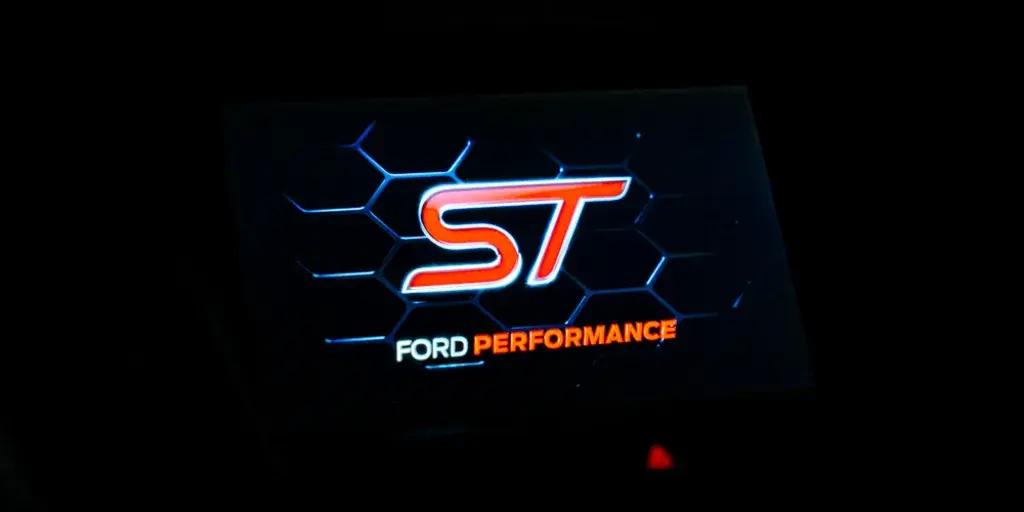
The Multimedia Startup Logo One-Click App changes the logo shown on your vehicle’s multimedia screen during startup. It’s a small detail, but it makes the cabin feel a little more personal every time you start the car.
You can choose from different logos, including Shelby, Vignale, ST, RS, Presidential Lincoln, and Nautilus. So whether you want something sportier or simply want to switch things up, this app gives your screen a fresh look.
No wonder it has become one of the OBDeleven community’s favorite Mustang customizations.

2. Cornering Lights
Turning into a dark driveway, parking spot, or side street can be much easier when the area around your car is better lit.
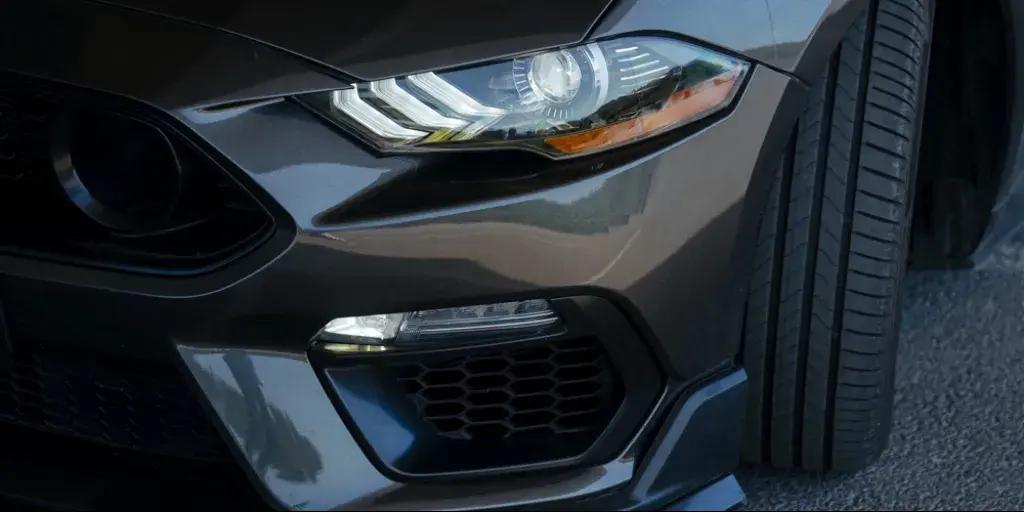
The Cornering Lights One-Click App uses your fog lights to illuminate the area near your vehicle while turning or parking. The lights activate based on the steering angle, helping improve visibility in low-light situations.
You can turn this function on or off depending on your preference.
3. Ford GT Multimedia Theme
Want to give your Mustang’s multimedia system a sportier feel?
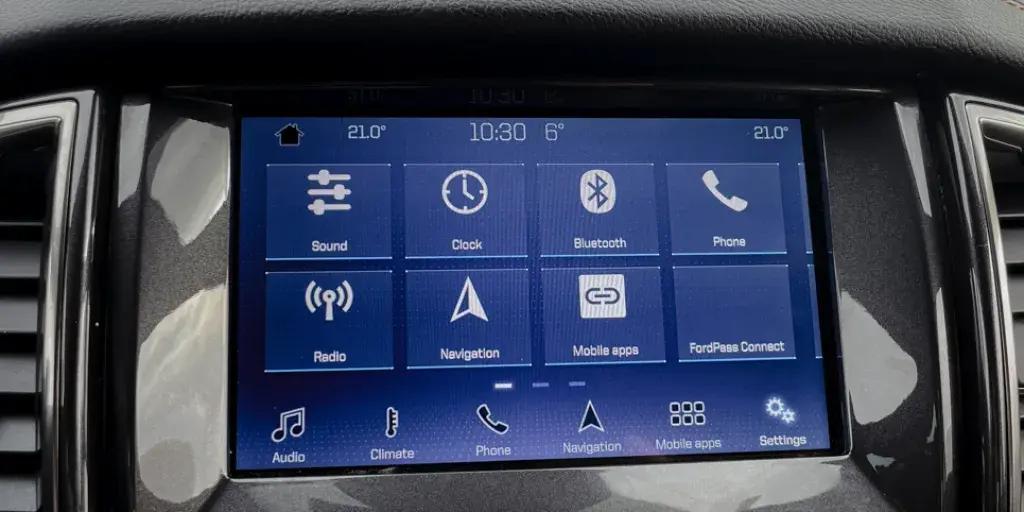
The Ford GT Multimedia Theme One-Click App changes the look of your multimedia interface to a Ford GT-inspired theme. It updates the interface colors and replaces the startup screen with a GT-branded animation.
You can activate the Ford GT theme or switch back to the default theme whenever you want.
4. Line Lock
This one is for drivers who enjoy the more playful side of Mustang ownership.
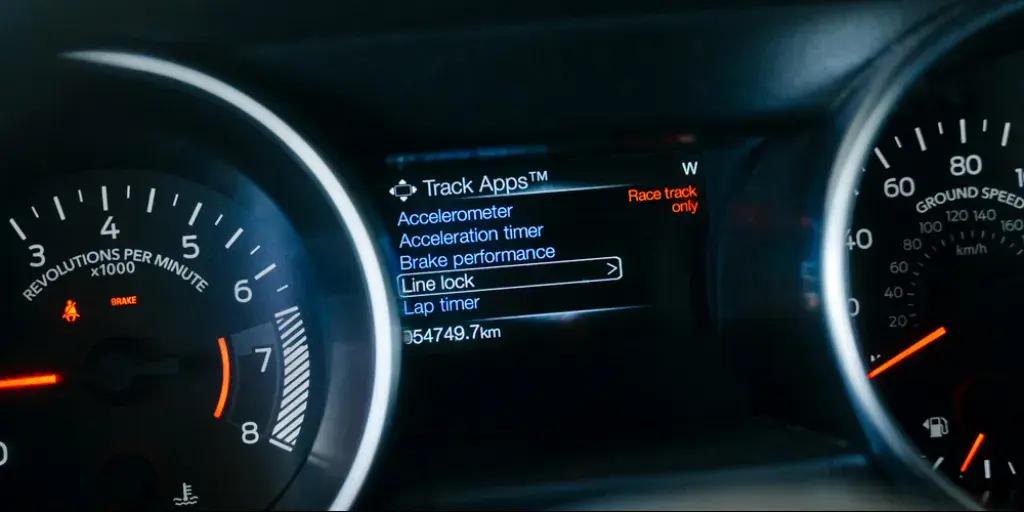
The Line Lock One-Click App enables the Line Lock option in the multimedia menu. This feature locks the front wheels, making it easier to perform burnouts and heat up the rear tires.
You can choose whether Line Lock is visible in your multimedia menu or not.
5. Average Speed Display
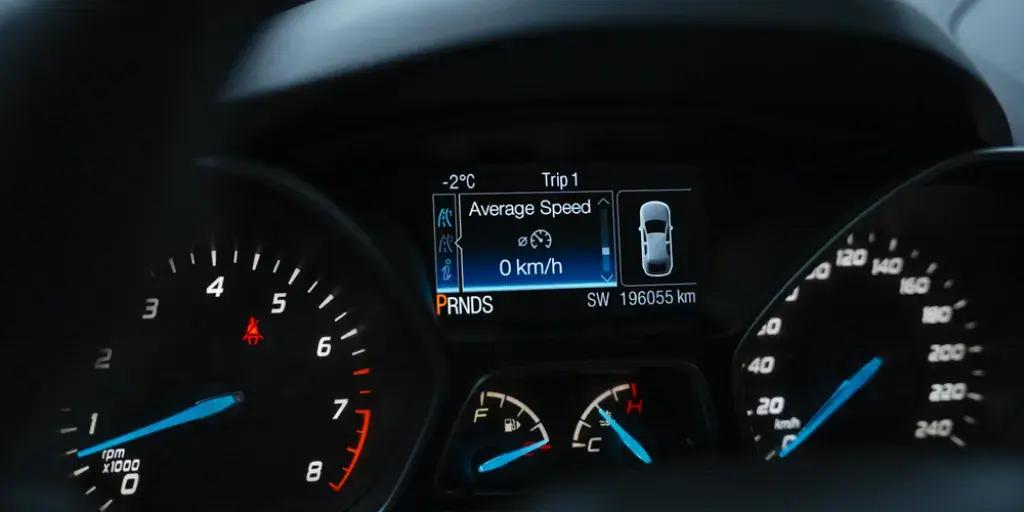
The Average Speed Display One-Click App shows your vehicle’s average speed over a trip in the instrument cluster. It’s a useful piece of driving data that helps you better understand your driving patterns, whether you’re tracking a daily commute or a longer drive.
You can turn this function on or off at any time.
6. Comfort Turn Signals
The Comfort Turn Signals One-Click App lets you adjust how many times your turn signals flash when you lightly press the turn signal stalk. Instead of manually switching the indicator off after changing lanes, the signal turns off automatically after the selected number of flashes.
You can choose anywhere from 1 to 10 flashes, depending on what feels most natural for your driving style.

7. Turn Signal Hyperflash Check
Want your turn signals to blink faster than the standard setting?
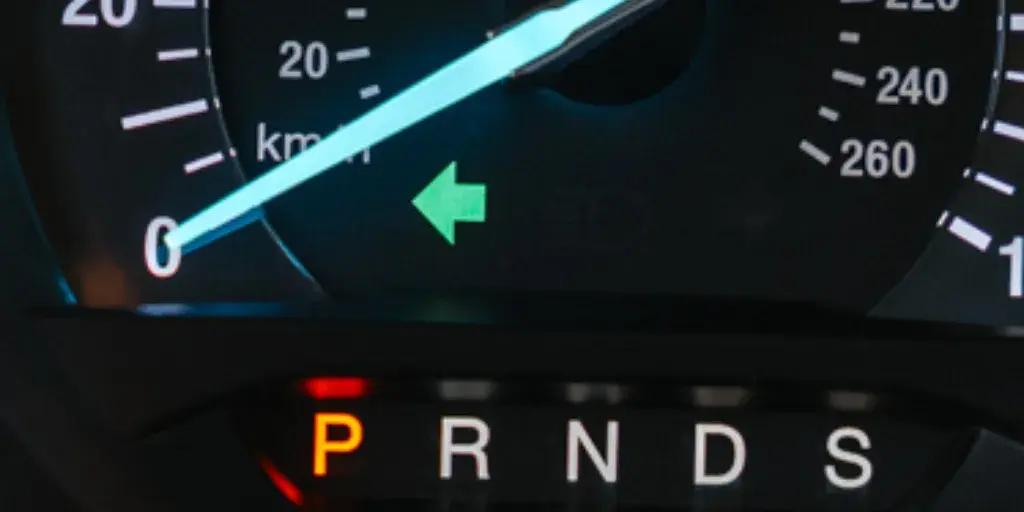
The Turn Signal Hyperflash Check One-Click App activates a faster flashing rate for your turn signals. This makes them blink more quickly than usual, creating a different visual effect from the default setting.
You can turn this function on or off depending on your preference.
8. Front Fog Lights with High Beams
Lighting behavior can make a big difference in how your car feels to drive at night.
The Front Fog Lights with High Beams One-Click App controls whether your fog lights stay on when high beams are active. Depending on your preference, you can keep the fog lights illuminated together with the high beams or have them temporarily turn off when using the turn signal on the same side of the vehicle.
Options include:
- Keep fog lights on: Fog lights remain illuminated when using high beam lights.
- Turn off with signal: Fog lights temporarily turn off when using high beam lights.

9. HD Radio Sound Quality
A great drive in your Mustang deserves a good broadcast sound.
The HD Radio Sound Quality One-Click App enhances the sound quality of HD radio broadcasts, making audio clearer. If you spend a lot of time listening to radio in your Mustang, this small tweak can make the experience more enjoyable.
You can turn the enhancement on or off at any time.
10. Seat Temperature Icons in Multimedia
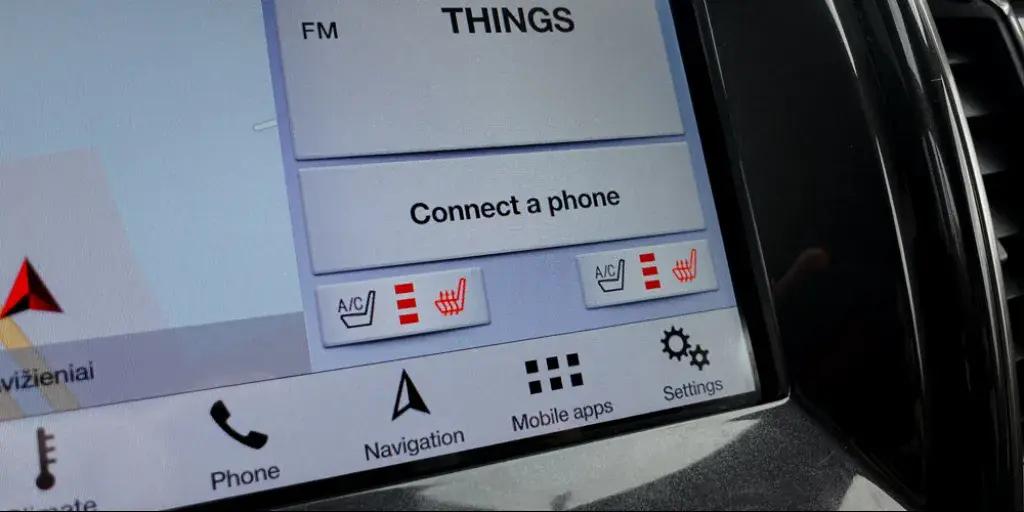
The Seat Temperature Icons in Multimedia One-Click App lets you choose which seat heating, seat cooling, and steering wheel heating icons appear on your touchscreen.
Depending on your vehicle’s features, you can show only the controls you need or enable a more complete package.
Options include:
- Cooling only: Shows just the seat cooling buttons.
- Heating and cooling: Shows both seat heating and cooling buttons.
- Heating only: Shows just the seat heating buttons.
- Steering wheel only: Shows only the heated steering wheel control in the corner.
- Complete package: Shows all heating and cooling controls for seats and steering wheel.
- Heating package: Shows heated seats and steering wheel controls.
- Rear seats only: Shows climate controls for back seats only.
How to use One-Click Apps on your Ford Mustang
Getting started with Ford Mustang One-Click Apps using OBDeleven is quick and simple. You can activate supported features in just a few minutes:
- Plug the OBDeleven 3 device into your car’s OBD2 port, open the app, log in, and connect to your vehicle.
- Open the One-Click Apps widget to browse available features.
- Select the function you want, tap View Options, then tap Activate.
You can activate One-Click Apps with Credits – our in-app currency – or make them nearly unlimited with the ULTIMATE plan.
Note: Available One-Click Apps depend on your vehicle’s equipment. To check what’s possible for your Ford online, visit our customizations page, where you can find all functions sorted by a specific vehicle. Just enter your car’s make, model, and year.
Time to take better care of your Ford
OBDeleven 3 isn’t just for making your Ford more fun – it’s also there to help you take better care of it.
If you own one, here’s what else you can do:
- Advanced Ford diagnostics – run a scan to check or clear issues when needed and get a clearer picture of your car’s condition straight from your phone. Since a Ford diagnostic fee can often be around $100–$200 at a dealership or repair shop, this can save you money in the long run.
- Car alerts – keep your OBDeleven 3 device plugged in and get notified when fault activity changes, so you know when it might be time to run a full scan.
- Maintenance reminders – create reminders for oil changes, filter replacements, brake checks, tire rotation, registration, insurance, and other important service tasks.
- Emissions readiness check – see if your Ford is ready for an emissions test and whether any monitors still need to complete.
- Trip tracker – automatically record your drives, review routes, spot driving patterns, and better understand where you could save on fuel.

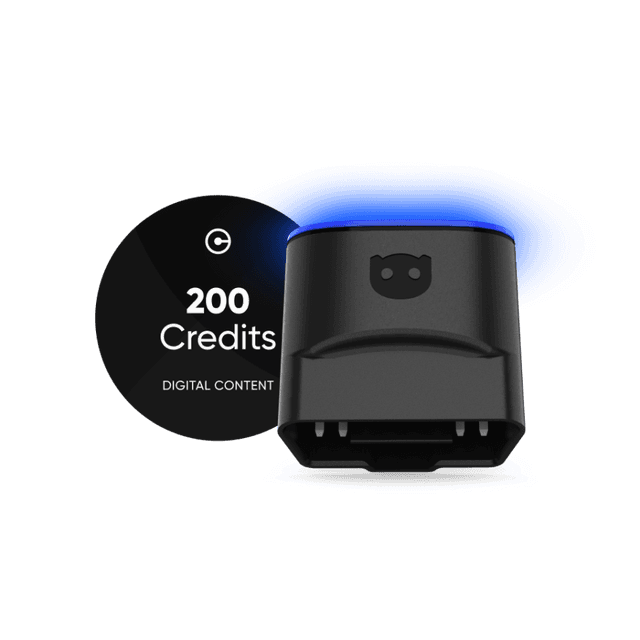
OBDeleven 3 device + 200 Credits
Includes OBDeleven 3 device and 200 Credits for unlocking car features with One-Click Apps
€114.99
No paid plan required