#Coding & customizations
Getting started is quick and easy. Setup takes only a few minutes:
Top Ford F-150 customizations you can unlock without a toolbox


TL;DR: America's best-selling truck already does a lot. But OBDeleven’s One-Click Apps allow even more room personalization. F-150 owners typically use them to swap the startup logo, activate folding mirrors automatically, open every window from the key fob, and more – all from their smartphone.
Ford F-series, and especially F-150, has topped US sales charts for decades, and drivers who own one rarely leave it stuck doing nothing.
Some reach for a lift kit or a cold air intake. Others just want the truck to feel a little more personal, but without touching a single bolt.
And this is exactly where no-code customization options come in.
Coding customizations are not the same as physical mods
Worth clearing up before we get into the list: software customizations and physical mods solve different problems.
A physical mod – a suspension lift, a tuner chip, a light bar – changes what your truck can do. It usually means tools, installation time, and sometimes a trip to a shop.
A coding customization through OBDeleven or a similar OBD dongle, changes how your truck's existing features behave. Nothing new gets bolted on of off. You are unlocking settings your F-150's computer already supports.
|
|
Coding customization (OBDeleven)
|
Physical mod
|
|
Installation
|
A few taps in the mobile app
|
Tools, time, sometimes a professional hand
|
|
Reversibility
|
Always available
|
Depends on the mode
|
|
Cost
|
Starts from €1.99 or free with the ULTIMATE plan
|
Depends on required parts plus labor
|
|
Typical examples
|
Comfort windows, auto folding mirrors, startup logo
|
Lift kit, cold air intake, tuner chip, exhaust
|
What can you do for your F-150 with One-Click Apps?
If you have not used them before, One-Click Apps are a simple way to customize your vehicle through coding.
Don’t worry, the coding is already done and tested for you. All you need to do is check if your selected One-Click App is supported for your F-150.
We are able to create no-code options for Ford because OBDeleven is officially licensed by Ford for US-manufactured vehicles. That’s why you get access to ready-made coding functions built for supported models.
Important note: One-Click Apps for US-manufactured Ford vehicles are available only with the OBDeleven 3 device.
Also worth knowing: F-150 coverage is not identical to what is available for other vehicles brands or even other Ford models. That's because every model uses different control units and equipment. You can find what’s available for your car here.
10 F-150 One-Click Apps drivers are loving right now
1. Driver seatbelt reminder chime
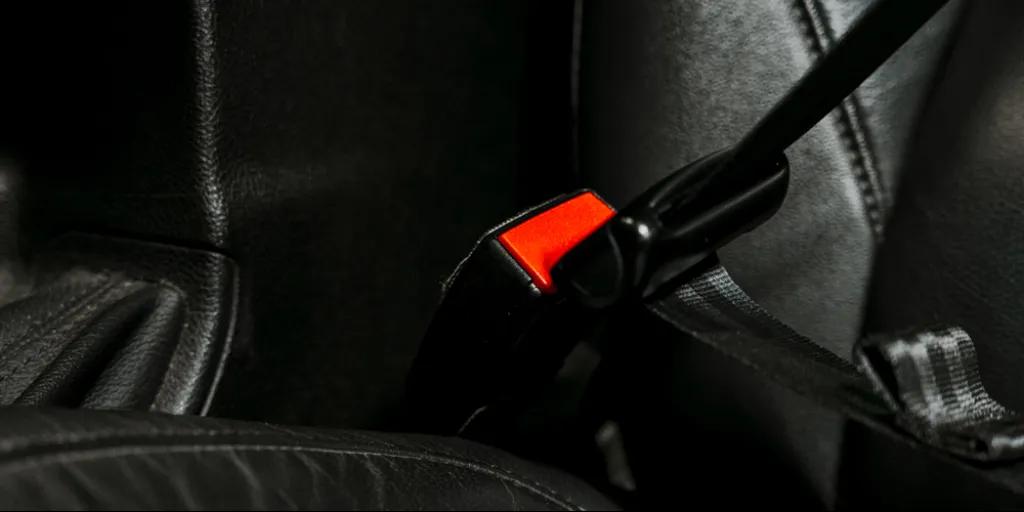
The chime is an important part of every driver’s safety. However, if you’re moving the truck around a job site or a driveway, it can get a little annoying.
The Driver Seatbelt Reminder Chime One-Click App lets you turn the audible warning on or off for the driver's seat.
Important: We highly recommend wearing a seatbelt at all times and adhering to local laws.
2. Turn signal hyperflash check

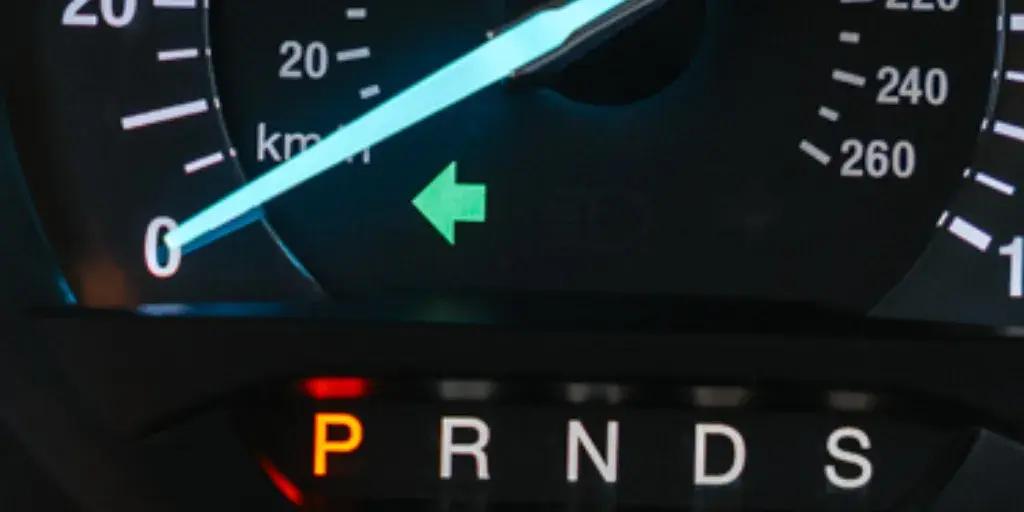
Want your turn signals to blink faster?
The Turn Signal Hyperflash Check One-Click App speeds up the flash rate, creating a different visual effect from the factory default.
Turn it on or off, depending on your preference.
3. Daytime lights brightness adjustment
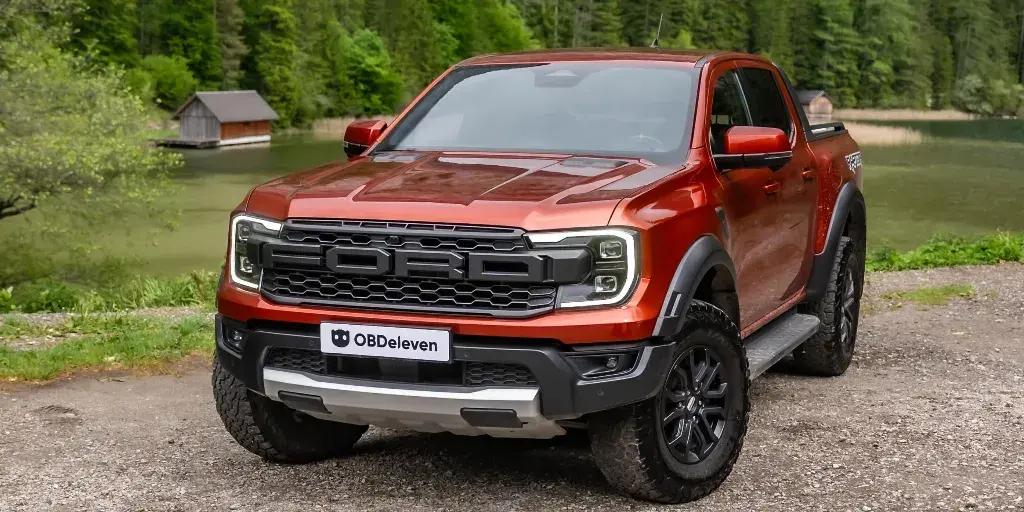
Factory DRLs are not always tuned to taste, especially if you have already swapped in different bulbs or housings.
The Daytime Lights Brightness Adjustment One-Click App lets you dial your daytime running lights brighter or dimmer than the default setting.
4. Warning chimes output source
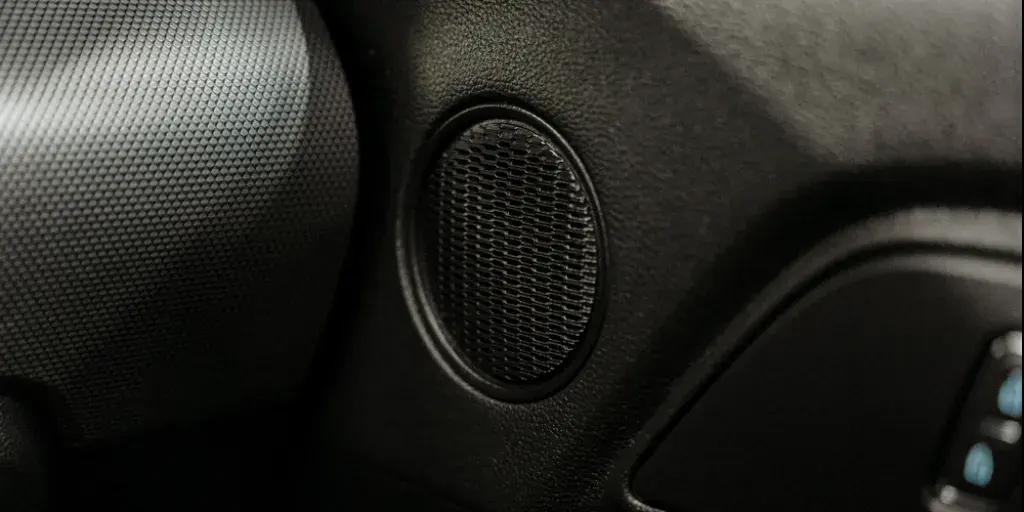
Not every alert needs to compete with the best song on your playlist.
The Warning Chimes Output Source One-Click App chooses whether warning chimes play through the instrument cluster speaker or the main audio system.
Pick whichever keeps you best informed without drowning out the radio.
5. Multimedia startup logo
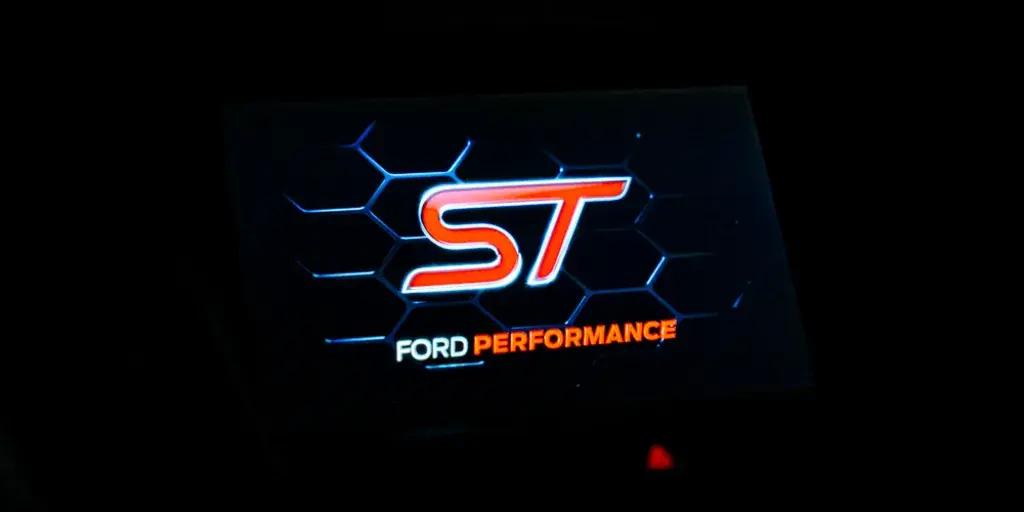
Want something other than the default Blue Oval greeting you every morning?
The Multimedia Startup Logo One-Click App swaps the logo your truck's multimedia screen shows at startup.
It is a small detail, but it makes climbing into the cab feel a little more personal.
6. Start/stop system deactivation
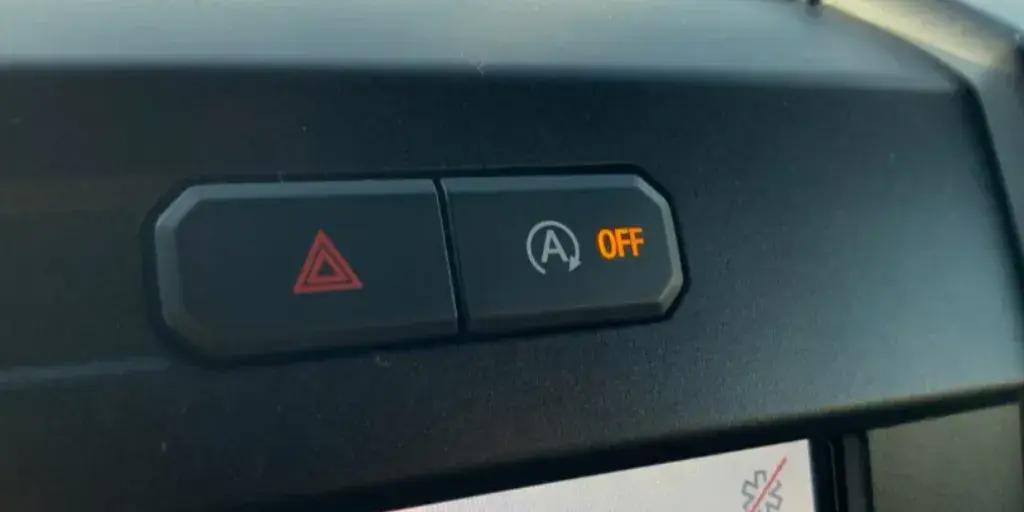
Auto start/stop is great if you’re mostly driving around the city. It is less great at a boat ramp, a work site, or anywhere you idle a lot.
The Start/Stop System Deactivation One-Click App keeps the system off by default, so you don't have to re-disable it every time you start the truck.
7. Front fog light memory
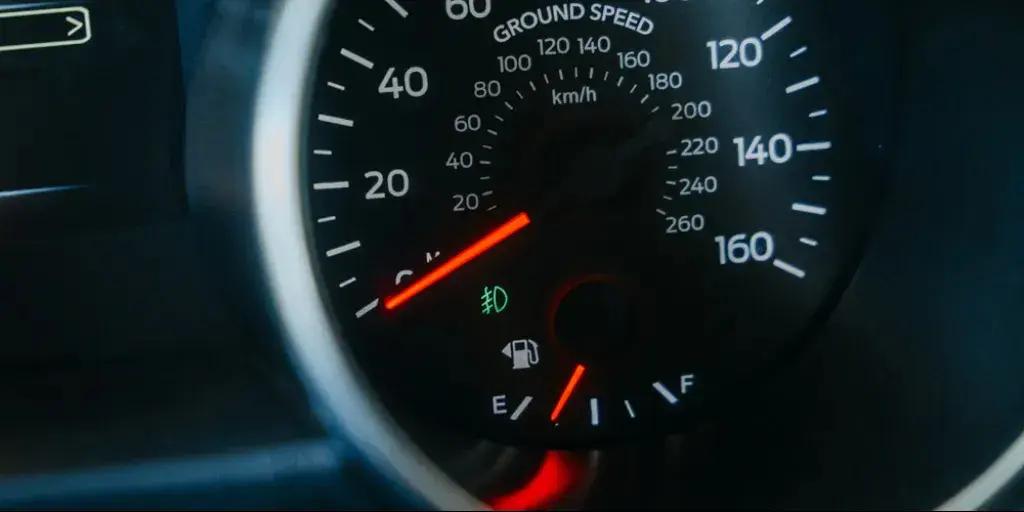
Some settings should not reset just because you turned the key.
The Front Fog Light Memory One-Click App keeps your fog lights in whatever state you last left them, instead of defaulting off every ignition cycle.
8. Comfort windows

Airing out a hot cabin before you even get inside is one of the nicest luxuries in life.
The Comfort Windows One-Click App lets you open or close all your windows with one press and hold on the key fob. No need to climb into an oven every summer.
9. Radio without ignition
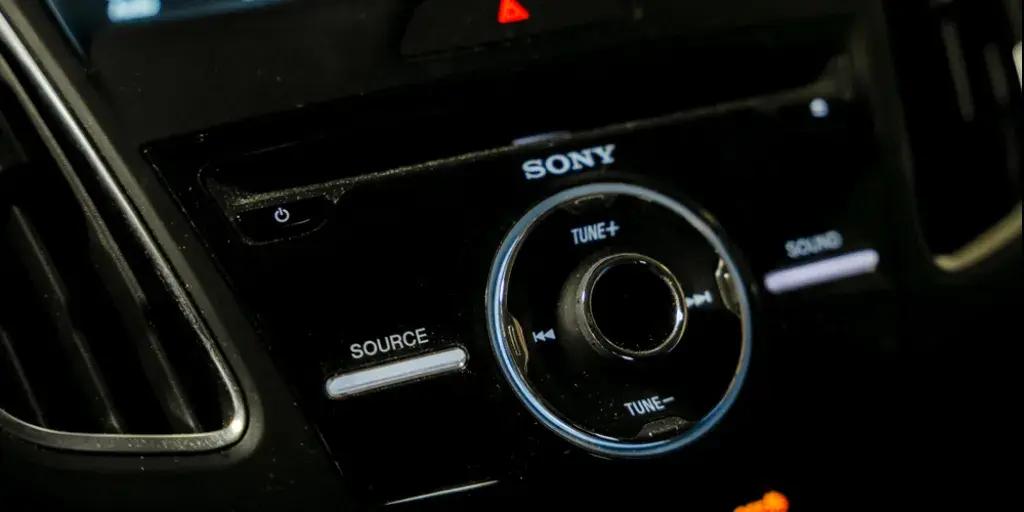
Tailgating, loading the bed, or just waiting on someone should not mean running the engine.
The Radio Without Ignition One-Click App lets you run the radio and multimedia system with the ignition off.
10. Auto folding mirrors
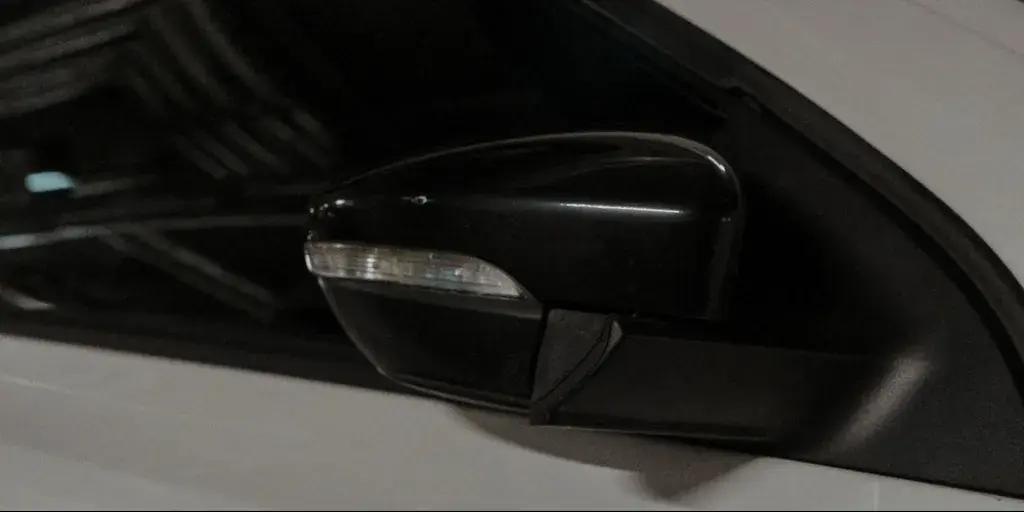
Tight parking spots and narrow garages do not care how wide your mirrors are.
The Auto Folding Mirrors One-Click App folds your side mirrors automatically when you lock the truck and unfolds them when you unlock or start it.
The best Ford F-150 One-Click Apps: Quick overview
|
One-Click App
|
What it does
|
Category
|
|
Driver seatbelt reminder chime
|
Turns the audible seatbelt warning chime on or off for the driver's seat.
|
Safety
|
|
Turn signal hyperflash check
|
Speeds up the turn signal flash rate for a different visual effect.
|
Personalization
|
|
Daytime lights brightness adjustment
|
Adjusts how bright the daytime running lights shine.
|
Personalization
|
|
Warning chimes output source
|
Chooses whether warning chimes play through the cluster speaker or the main audio system.
|
Comfort
|
|
Multimedia startup logo
|
Changes the logo shown on the multimedia screen at startup.
|
Personalization
|
|
Start/stop system deactivation
|
Keeps auto start/stop off by default instead of re-enabling it every ignition cycle.
|
Comfort
|
|
Front fog light memory
|
Keeps your fog lights in their last used state instead of resetting each time you start the truck.
|
Convenience
|
|
Comfort windows
|
Opens or closes all windows with one press and hold on the key fob.
|
Comfort
|
|
Radio without ignition
|
Lets you run the radio and multimedia system without the ignition switched on.
|
Comfort
|
|
Auto folding mirrors
|
Folds the side mirrors automatically when you lock the truck and unfolds them on unlock or startup.
|
Comfort
|
How to use One-Click Apps on your F-150
Getting started is quick and easy. Setup takes only a few minutes:
- Plug the OBDeleven 3 device into your car's OBD2 port, open the app, log in, and connect to your vehicle
- Open the One-Click Apps widget or tap “Vehicle” and select “One-Click Apps” to browse available features
- Select the function you want, make sure you read and meet the requirements, and tap “Activate”
You can activate One-Click Apps with Credits – our in-app currency – or use them with almost no limits with the ULTIMATE plan.
Note: Available One-Click Apps depend on your F-150's equipment and model year. Visit our customizations page to see exactly what is unlockable.
Time to take better care of your F-150 too
OBDeleven 3 is not just for making your truck more fun to sit in. It also helps you take care of it.
If you own one, the best addition to your toolkit is OBDeleven. It’s amazing for customizing your vehicle as well as maintaining it.

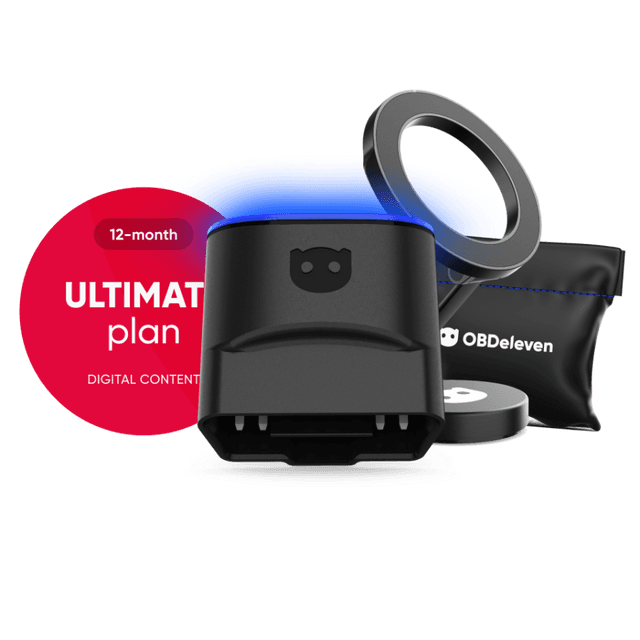
OBDeleven 3 ULTIMATE Pack
Includes OBDeleven 3 device, ULTIMATE plan (12-month), magnetic phone holder, and carry pouch
€259.99€207.99
20% OFF
Exclusive deal