#Coding & customizations
Ford Bronco customizations: Favorite One-Click Apps of 2026


TL;DR: OBDeleven's One-Click Apps enable comfort and security settings your Bronco's computer already has, but they are switched off by default. You can use the device to adjust the software settings with One-Click Apps and also maintain your car with other driver-focused features.
Bronco owners rework their car before the first oil change.
We’re joking, of course, but it’s a well-known fact that Bronco owners like customizing what they drive.
And beyond the hardware changes, there are settings that can be adjusted to your personal liking, too. Like how the lights behave, how the alarm responds, how long the screen stays lit after you cut the engine.
Most of that is locked behind menus you can’t access via the infotainment system. Or a wrench, for that matter.
But there are ways to make your car your own, specifically with OBDeleven's One-Click Apps.
How One-Click Apps work
If this is your first time hearing about them, One-Click Apps are pre-built coding functions you activate with a tap, instead of writing the code yourself. They are currently available with the OBDeleven 3 device for a variety of US-made Ford vehicles.
Our engineers handle the coding and testing ahead of time. Your job is just to check whether the app you want is available for your specific Bronco. You can see what’s available for your vehicle on our customizations page.
Ford access exists in the first place because OBDeleven holds an official license from Ford for US-manufactured vehicles – that license is what lets us package these functions.
Worth knowing: what's unlockable on a Bronco isn't the same list you'd get for another Ford model, let alone another brand – different control units and equipment mean different results.
One-Click Apps are a software tweak, not a mod
Before the list, one distinction actually matters: a coding customization like One-Click Apps and a physical mod solve different problems, even when the end result looks similar from the driver's seat.
A physical mod is something you install.
It can be rock sliders, a light bar, a lift kit – something that changes what your Bronco is physically capable of, and it usually costs you a wrench, some spare time, or a shop appointment.
A coding customization adjusts how the software behaves.
Activating a One-Click App with OBDeleven doesn't add anything to your Bronco. It changes how features that are already built in act. Your Bronco's computer already supports the setting; OBDeleven just gives you the switch.
|
|
Coding customization (OBDeleven)
|
Physical mod
|
|
Installation
|
A few taps in the mobile app
|
Tools, time, sometimes a professional hand
|
|
Reversibility
|
Always available; switch back anytime
|
Depends on the mod, not always simple
|
|
Cost
|
Starts from €1.99, or free with the ULTIMATE plan
|
Depends on required parts plus labor
|
|
Typical examples
|
Dark car mode, Scandinavian DRLs, startup logo
|
Rock sliders, light bar, lift kit, aftermarket bumper
|
Top 10 One-Click Apps worth adding to your Bronco
1. Double honk when leaving cabin

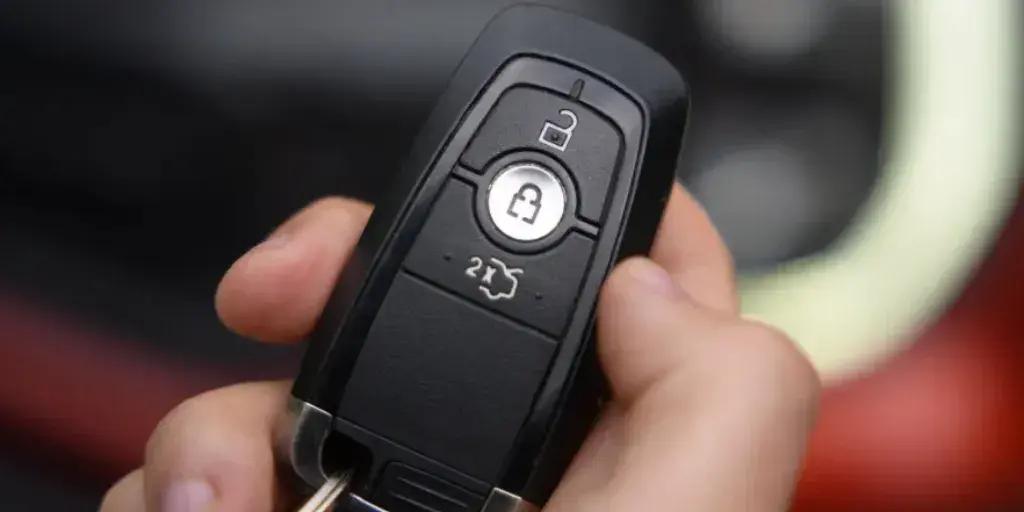
Walking away from the trailhead without clear confirmation your Bronco is locked is not a great feeling.
The Double Honk when Leaving Cabin One-Click App sounds two horn beeps to confirm the vehicle is locked as you walk away.
2. Multimedia startup logo
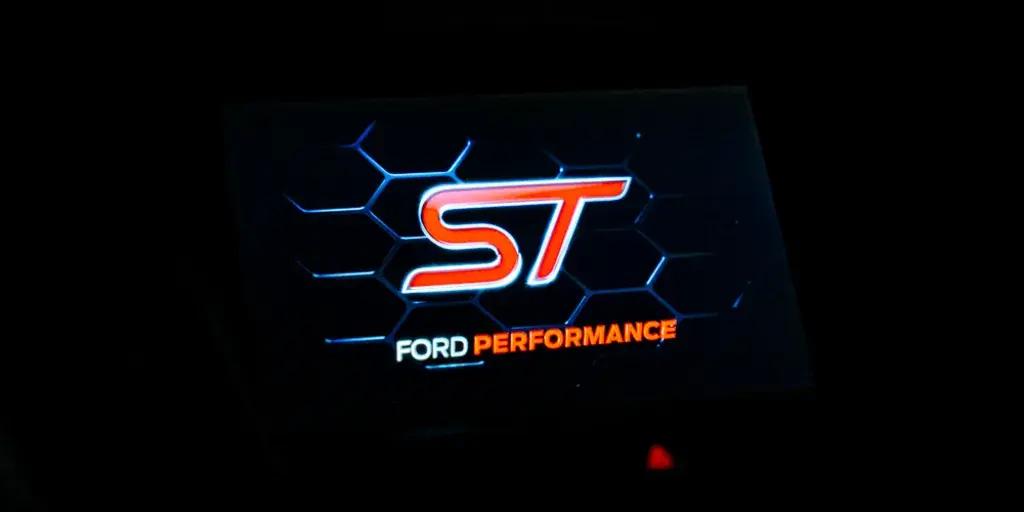
There's a difference between a Bronco that looks like every other one on the trail, and one that feels like yours the second the screen wakes up.
The Multimedia Startup Logo One-Click App swaps the logo your Bronco's multimedia screen shows at startup – trade the factory Blue Oval for something that fits your build.
3. Headlamps position memory
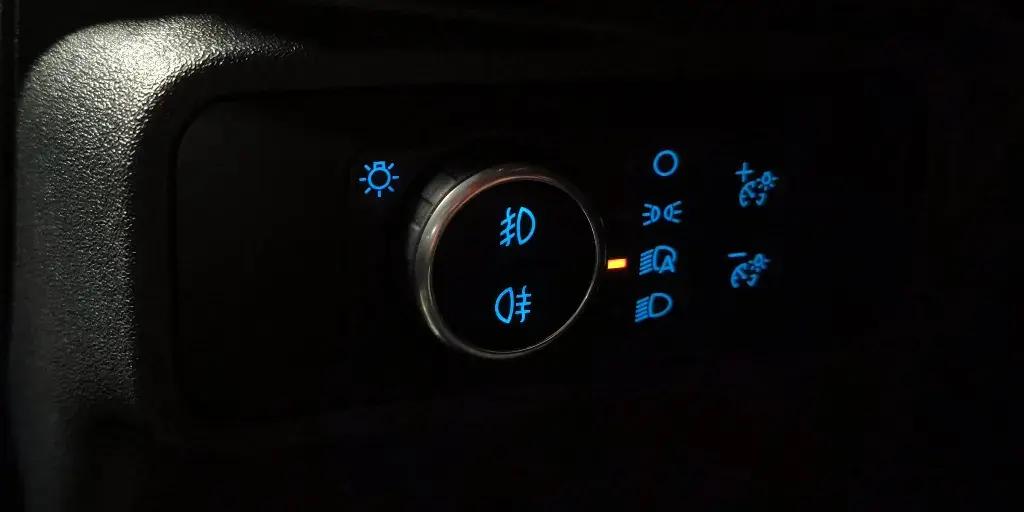
Load up the roof rack or drop the tailgate, and your Bronco's nose angle shifts, along with your headlamp aim.
The Headlamps Position Memory One-Click App keeps your headlamp leveling position instead of resetting it every ignition cycle.
4. Front position lamp deactivation
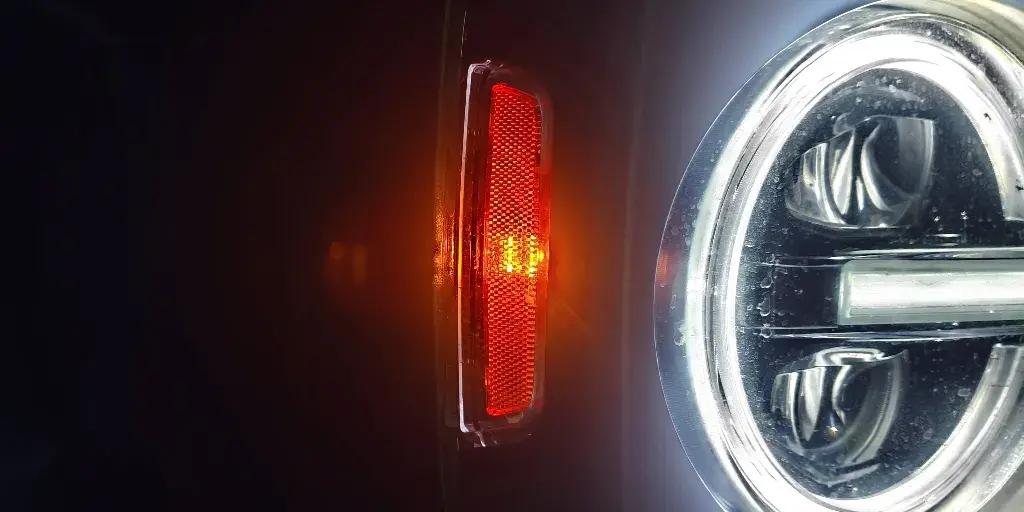
Not every campsite or trailhead wants extra glow coming off your parking lights.
The Front Position Lamp Deactivation One-Click App turns off your front position lamps, independent of your other lighting.
5. Dark car mode
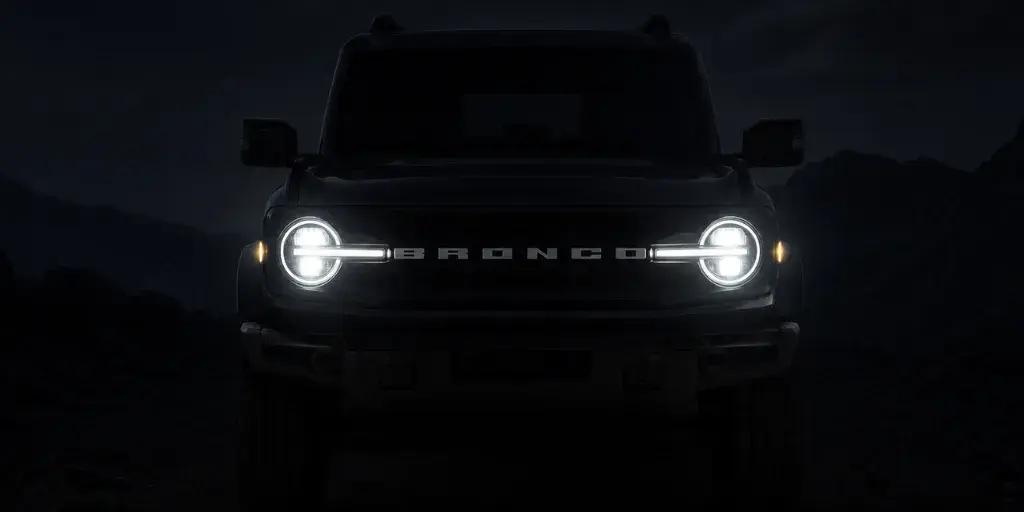
Rolling into a quiet campsite at midnight, headlights and interior lights blazing, is not a great way to make friends.
The Dark Car Mode One-Click App keeps interior and exterior lighting cues to a minimum when you open the doors at night.
6. Front fog lights with turn signals
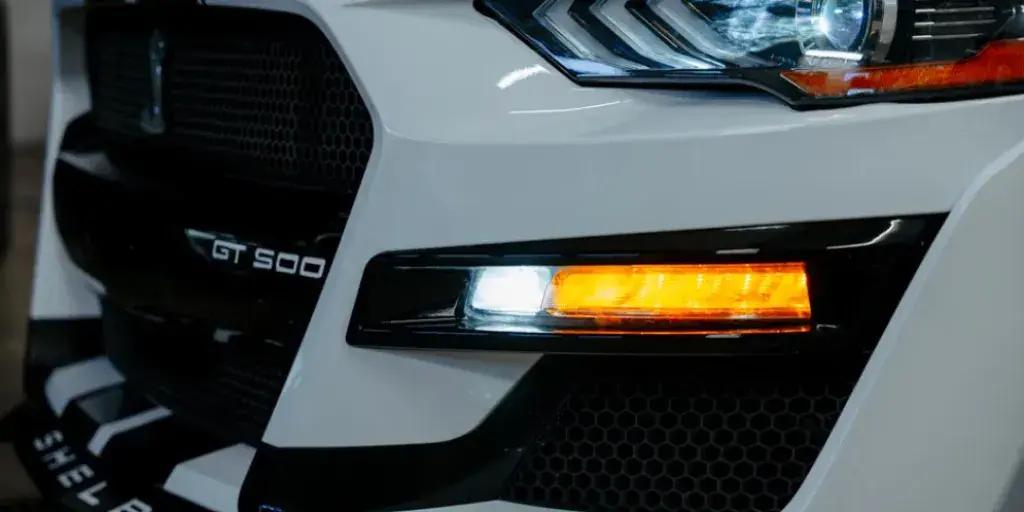
Trail junctions and dusty switchbacks are not the place to be missed by the vehicle behind you.
The Front Fog Lights with Turn Signals One-Click App blinks your front fog lights along with the turn signal on that side, for a wider, more visible signal.
7. Scandinavian DRLs
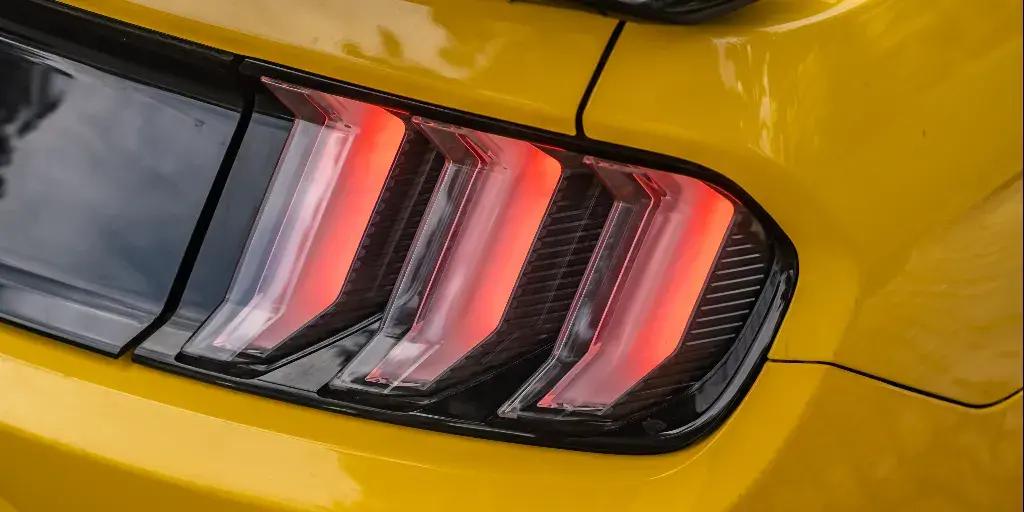
A popular look, borrowed from cars built for long, dark winters.
The Scandinavian DRLs One-Click App keeps your daytime running lights on together with the parking lights, instead of switching off when you turn the headlights on.
8. Rear fog lamp activation
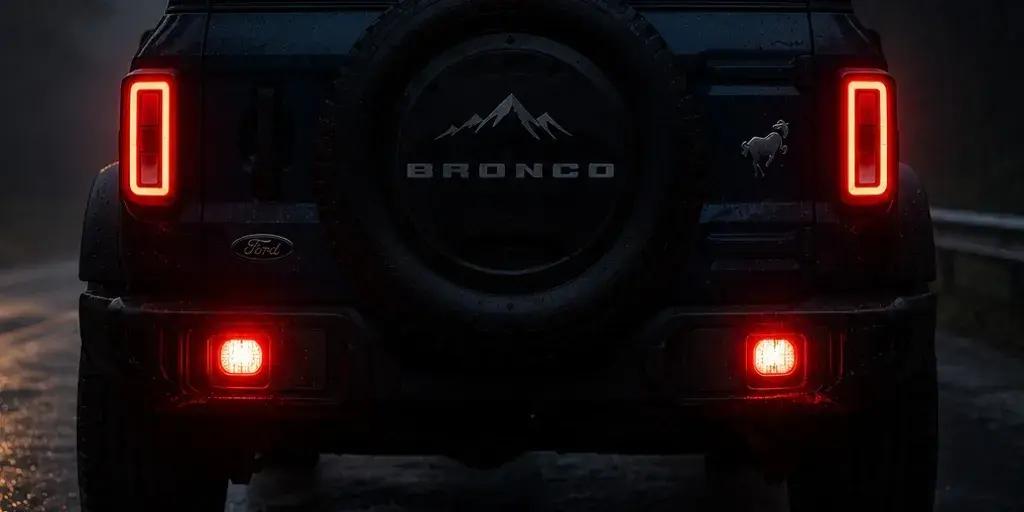
Dust clouds, fog banks, and heavy rain all do the same thing: they make it harder for the vehicle behind you to see your Bronco.
The Rear Fog Lamp Activation One-Click App turns on your rear fog lamp for better visibility from behind in poor conditions.
9. Panic alarm mode
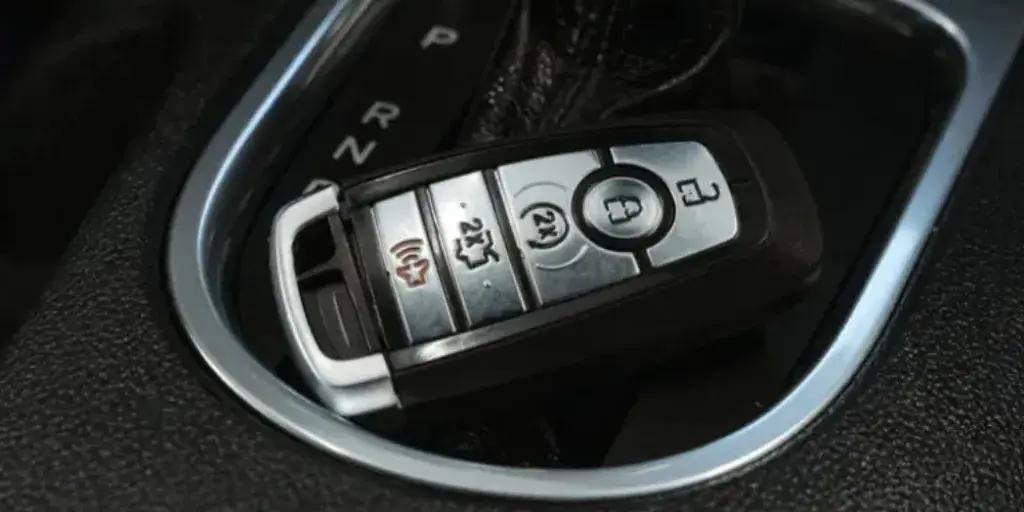
Remote trailheads and overnight campsites are exactly where you want your alarm to behave the way you expect.
The Panic Alarm Mode One-Click App configures how your panic alarm responds when triggered from the key fob.
10. 10-minute media timer
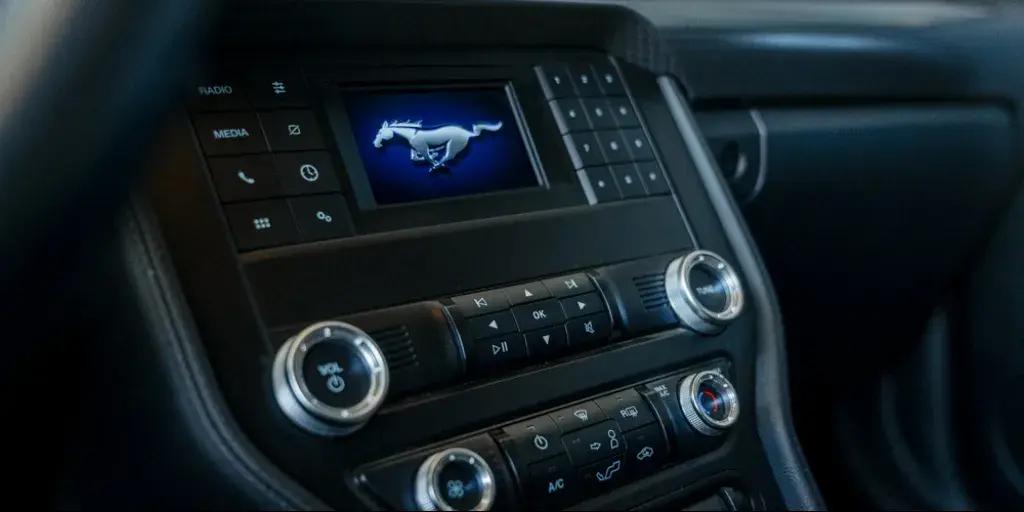
Tailgate hangouts and camp setup take longer than a single song.
The 10-Minute Media Timer One-Click App keeps your infotainment system running for 10 minutes after the engine shuts off, so the music does not cut out the second you kill the ignition.
Top 10 Ford Bronco customization apps: Quick overview
|
One-Click App
|
What it does
|
Category
|
|
Multimedia startup logo
|
Changes the logo shown on the multimedia screen at startup.
|
Personalization
|
|
Headlamps position memory
|
Keeps your headlamp leveling position instead of resetting it every ignition cycle.
|
Convenience
|
|
Front position lamp deactivation
|
Turns off the front position lamps, independent of your other lighting.
|
Personalization
|
|
Dark car mode
|
Keeps interior and exterior lighting cues to a minimum when opening doors at night.
|
Comfort
|
|
Front fog lights with turn signals
|
Blinks the front fog lights along with the turn signal on that side.
|
Safety
|
|
Scandinavian DRLs
|
Keeps daytime running lights on together with the parking lights, Scandinavian style.
|
Personalization
|
|
Double honk when leaving cabin
|
Sounds two horn beeps to confirm the vehicle is locked as you walk away.
|
Convenience
|
|
Rear fog lamp activation
|
Turns on the rear fog lamp for better visibility from behind in poor conditions.
|
Safety
|
|
Panic alarm mode
|
Configures how the panic alarm responds when triggered from the key fob.
|
Safety
|
|
10-minute media timer
|
Keeps the infotainment system running for 10 minutes after the engine shuts off.
|
Comfort
|
How to set up One-Click Apps on your Bronco
Setup is short. Here's the whole process:
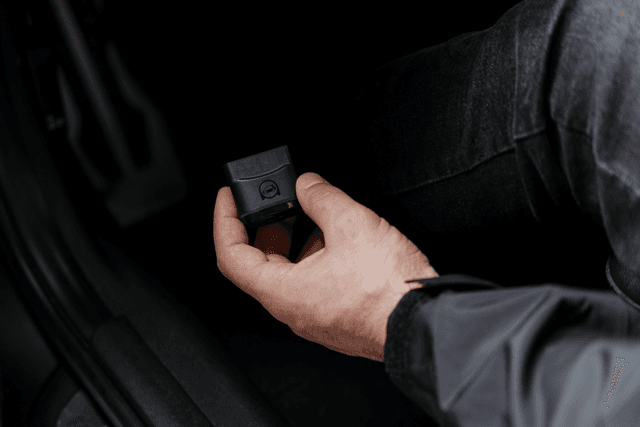
1. Plug the OBDeleven 3 device into your Bronco's OBD2 port, then open the app, log in, and connect to your vehicle.

2. Open the One-Click Apps widget, or go to "Vehicle" > "One-Click Apps," to see what's available.

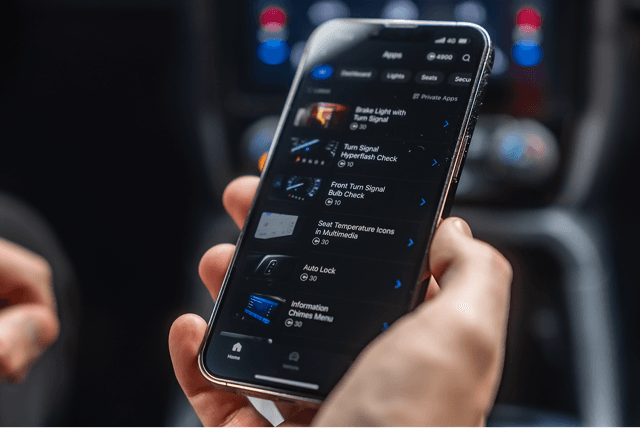
3. Pick the function you want, check the listed requirements, and tap "Activate."

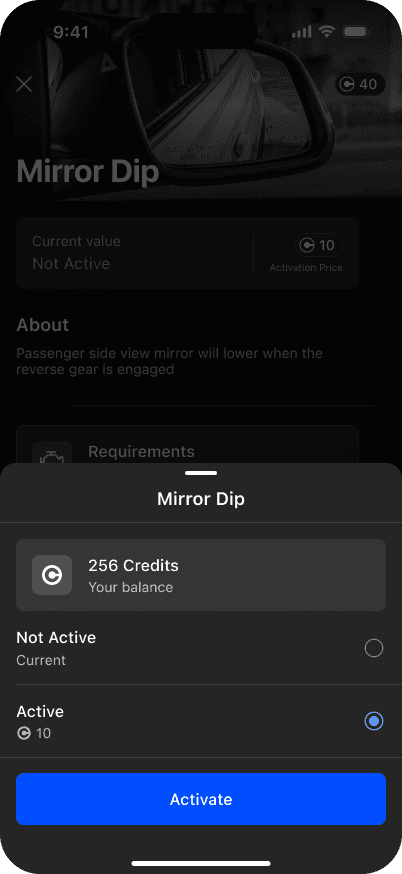
Activating a One-Click App costs Credits, our in-app currency, unless you're on the ULTIMATE plan, which includes them for free.
Note: What shows up here depends on your Bronco's exact equipment and model year. The customizations page will tell you precisely what's unlockable on yours.
What else OBDeleven 3 does for your Bronco
OBDeleven 3 earns its keep well beyond personalization – it doubles as a maintenance tool.
Here's what else is in the box:
- Advanced Ford diagnostics – scan for and clear issues from your phone, before or after a trail run. A shop visit for Ford diagnostics alone can run $100 to $200, so this covers its own cost quickly.
- Car alerts – leave the device connected and get pinged the moment fault activity changes, instead of guessing when a scan is worth running. Read more about Car alerts here.
- Maintenance reminders – oil changes, filter swaps, brake checks, tire rotations, registration, insurance – set it once and stop tracking it in your head. Learn more about Maintenance reminders here.
- Emissions readiness check – confirm your Bronco is actually ready for an emissions test before you drive to one. Read more about Emissions readiness check here.
- Trip tracker – automatic logging for everything from the daily commute to a weekend trail run, reviewable after the fact. Read more about Trip tracker here.
Wrapping up
With the right tools, you decide how loud the seatbelt chime is, how dark your cabin stays at a midnight campsite, and how long the radio keeps playing after the engine goes quiet.
That’s why OBDeleven is popular among Ford drivers – one small device that personalizes the parts left switched off and keeps an eye on the parts that actually need looking after.

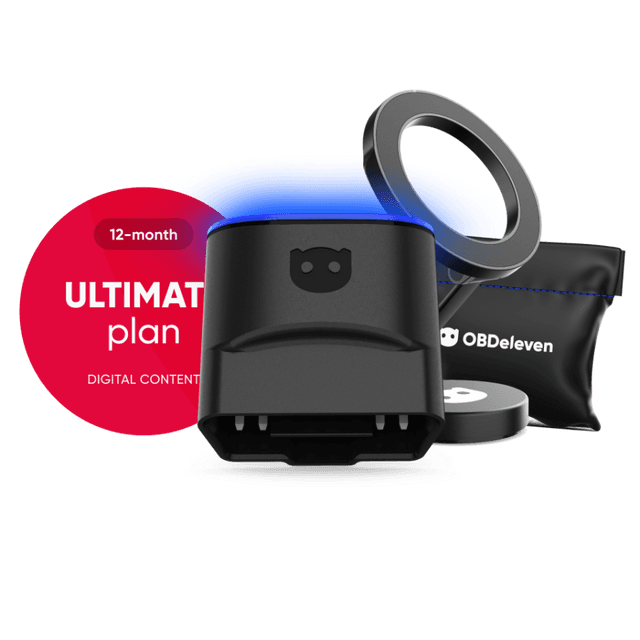
OBDeleven 3 ULTIMATE Pack
Includes OBDeleven 3 device, ULTIMATE plan (12-month), magnetic phone holder, and carry pouch
€259.99€207.99
20% OFF
Exclusive deal