#Coding & customizations
Most popular One-Click Apps in 2025


TL;DR: One-Click Apps made for resets after repairs topped the charts this year: Inspection Service Reset, Oil Service Reset and Brake Pad Replacement.
Spotify has all the songs. We have all the One-Click Apps.
We looked through millions of in-app activations and put together One-Click Apps Wrapped – a ranking of the customizations OBDeleven users loved most in 2025.
If you’re not sure what One-Click Apps are, no stress. They’re our simpler alternative to manual coding, letting you adjust digital comfort, safety, design, and maintenance features. All in the smartphone app and without digging through long coding steps.
Which means if something in your car annoys you, you can usually turn it off. And if there’s a hidden feature you’ve been wanting, you can often unlock it in a few taps.
That’s why One-Click Apps have become the go-to for our users – let's take a look at what they enjoyed the most.
Most activated One-Click Apps of 2025 globally
Can you believe our research team added over 9,000 new One-Click Apps in the last 12 months – including 491 in November alone?
From that growing library, these are the top 10 that people activated like crazy in 2025.
Important note: Available One-Click Apps depend on your vehicle’s equipment. You can check what's possible for your car in your OBDeleven mobile app – just connect your car and go to "Apps". For a quick overview of customizations, you can sort through brands and models in this page.
1. Inspection Service Reset
This One-Click App saves a lot of people a trip to the dealer after DIY routine inspection or maintenance. It resets the time interval and clears the inspection service message from the dashboard easily.
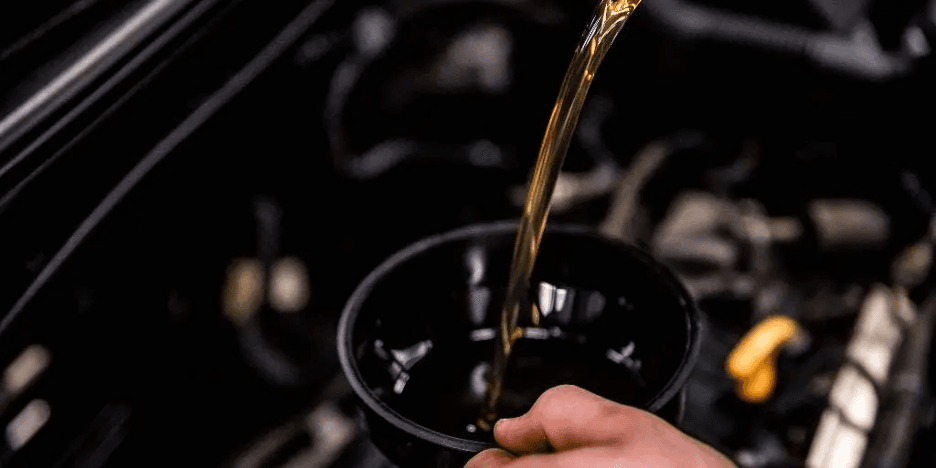
2. Oil Service Reset
A must-have after an oil change – especially if you do it yourself. It clears the oil service reminder and restarts the countdown based on the manufacturer’s interval.

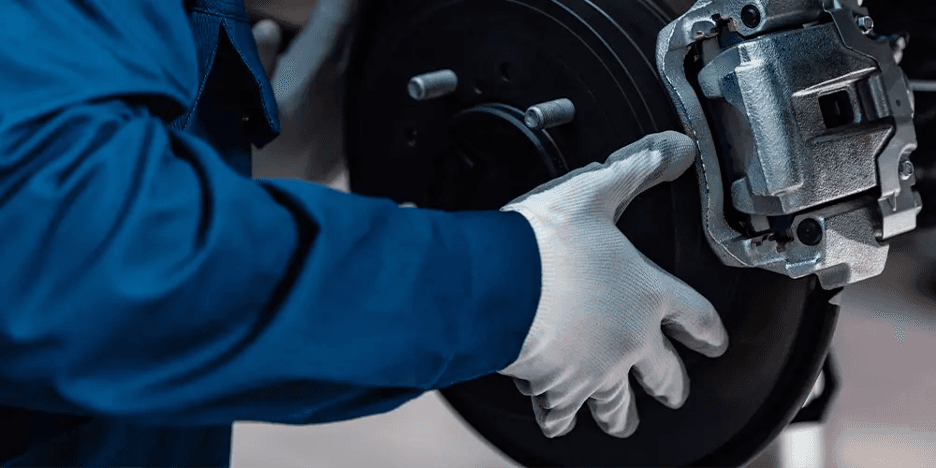
3. Brake Pad Replacement
Popular among experienced professionals for brake jobs where the car needs to “know” new pads were installed. It resets brake wear indicators and, on supported cars, releases the electronic parking brake.
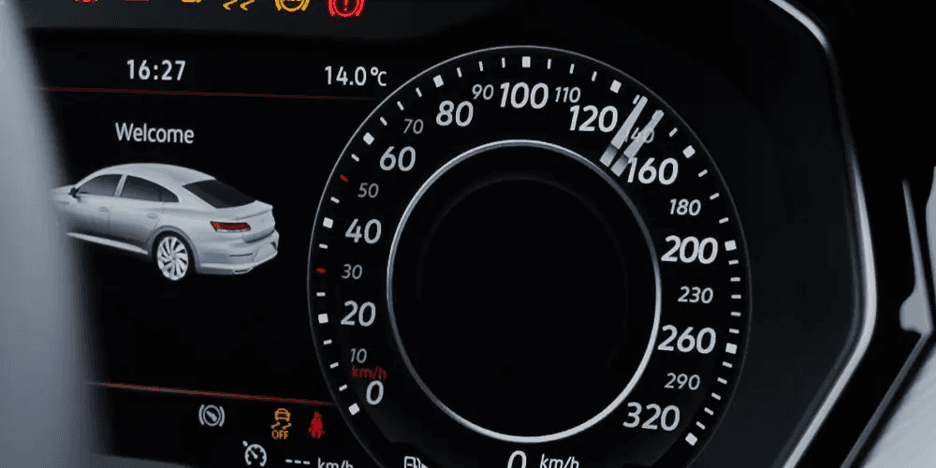
4. Gauge Test – Needle Sweep
Once activated, this One-Click App sweeps the instrument cluster needles when you turn on the ignition. Not only does it help spot gauge issues quickly, but also adds a sportier look.
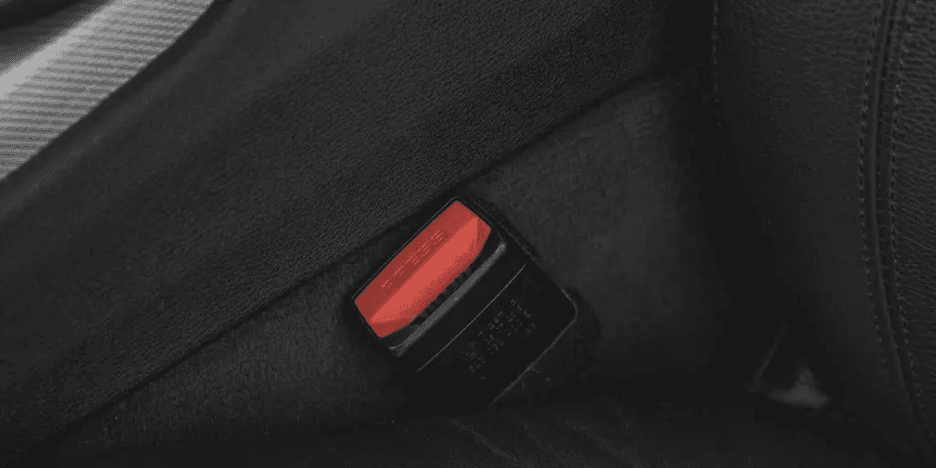
5. Seat Belt Warning
Drivers use this function to reduce constant chimes during off-road driving or when transporting heavy items. It disables or enables the seat belt warning, depending on vehicle support.
6. Lock/Unlock Acoustic Confirmation
People love the reassurance of audible feedback when locking their car. This One-Click App enables a short sound or beep when you lock or unlock the vehicle, so you can walk away in peace.
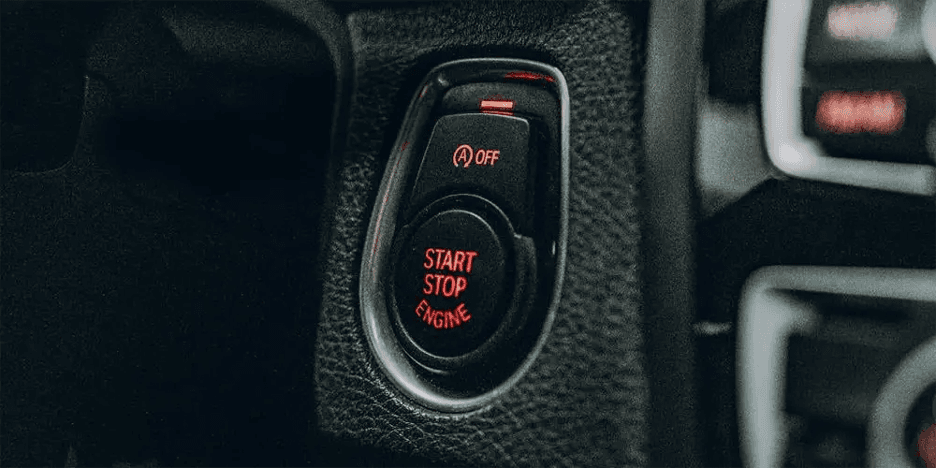
7. Start/Stop System Deactivation
A favorite among drivers who want consistent engine behavior. It disables the automatic Start/Stop system so the engine stays running when you come to a stop.
8. Scandinavian DRLs
Popular for safety and style, especially in low-light regions. It keeps the rear lights on together with daytime running lights.
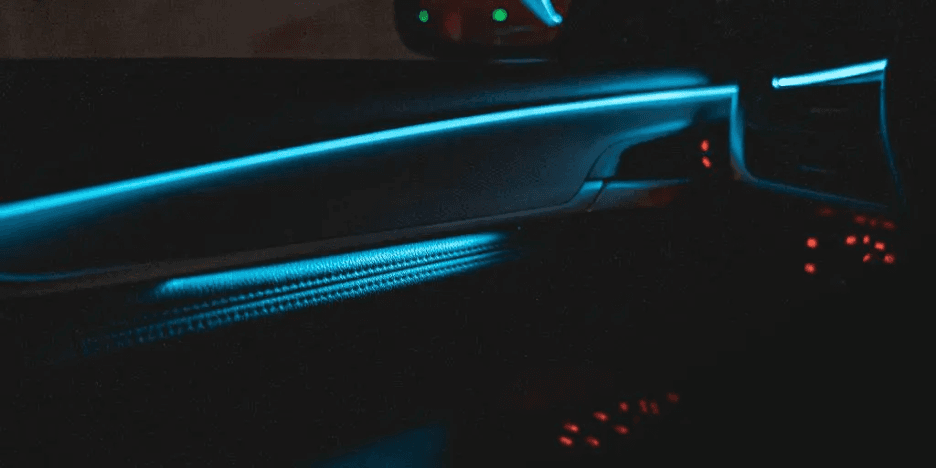
9. Ambient Colors
One of the coolest ways to personalize your car’s interior. It unlocks or expands ambient lighting color options inside the cabin.
10. Central Lock with Ignition
This one automatically locks or unlocks the car based on ignition status or vehicle movement. Convenient for safety and comfort when making quick stops.
Top One-Click Apps in 2025 by brand
Now let’s do a quick round-up of the top three One-Click Apps per brand, starting with Volkswagen Group.
Spoiler: Volkswagen, Audi, Seat, and Škoda owners really seem to love their DIY work.
Volkswagen
- Oil Service Reset
- Brake Pad Replacement
- Inspection Service Reset
Audi
- Inspection Service Reset
- Brake Pad Replacement
- Gauge Test – Needle Sweep
Seat
- Oil Service Reset
- Inspection Service Reset
- Lock/Unlock Acoustic Confirmation
Škoda
- Oil Service Reset
- Inspection Service Reset
- Seat Belt Warning
Most activated One-Click Apps for BMW Group
BMW, MINI, and Rolls-Royce drivers leaned heavily into personalization and taking care of their engines this year. These One-Click Apps were their favorites:
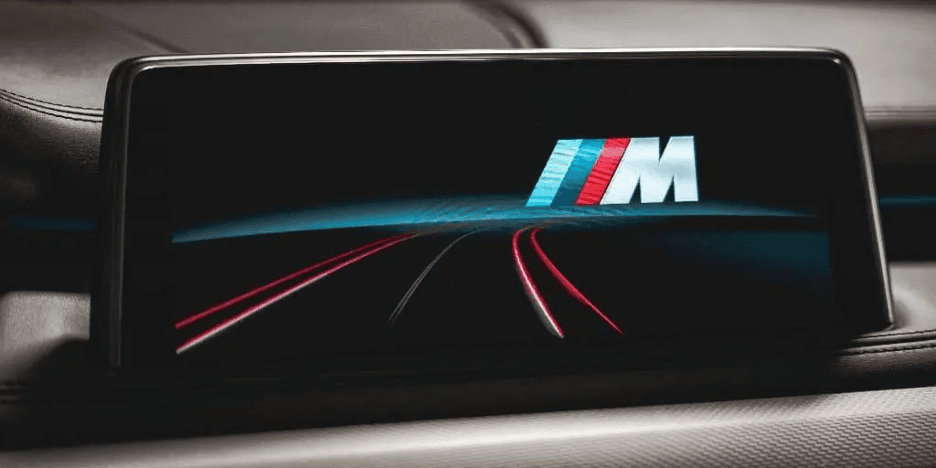
1. iDrive Startup Animation
Adds a custom BMW startup animation when you turn on the ignition. Drivers love the premium, personalized feel every time they start driving.
2. Seat Belt Acoustic Warnings
The One-Click App that disables or adjusts the seat belt warning chime for track use, transporting goods, or faulty sensors. Makes the cabin quieter when you need it.
3. Engine Oil Reset
A function that resets the engine oil service interval after an oil change. Keeps service dashboard reminders accurate without a dealer visit, saving time and money.
Pro tip: Want to stay on top of maintenance and know when an oil change is due before the dashboard light pops up? Learn how to set up Maintenance reminders on smartphone.
Functions that Toyota & Lexus owners loved
Toyota and Lexus drivers might be practical – but they clearly enjoy unlocking hidden features. Here’s what they activated most:
Driver Seatbelt Warning
This One-Click App allows you to turn the driver seat belt warning chime on or off on supported vehicles.
Passenger Seatbelt Warning
Also lets you control the seat belt warning chime, but for the passenger seat instead. Helpful when transporting items or dealing with overly sensitive seat sensors.
Comfort Window Opening
With this one, you can open the windows remotely using the key fob or door handle. Great for airing out the cabin before getting in, especially on warm days.
Ford’s favorite pre-coded functions
Ford is one of the newest supported brands, and users wasted no time exploring it. Lighting, visuals, and safety features quickly rose to the top.
1. Multimedia Startup Logo
Changes the logo or animation shown when the multimedia system starts. A simple way to add personality every time the screen turns on, that’s why people enjoy it so much.
2. Rear Daytime Running Lights
Keep the rear lights on together with daytime running lights, especially in countries where it’s mandatory with this One-Click App. Great for improving visibility from behind, especially in low-light or bad weather.
3. Front Fog Light with High Beams
Allows front fog lights to stay on when high beams are activated. Drivers use it to improve road illumination on dark or rural roads.
Important note: For Ford Group vehicles, advanced diagnostics and One-Click Apps are currently available only for models manufactured in the US.
Fastest-growing car personalization trends in 2025
Some clear patterns stood out this year as drivers focused on making their cars feel more personal.
We looked across all brands and identified the main One-Click App trends of 2025.
- Lighting tweaks took off. More drivers played with DRLs, rear lights, and Scandinavian-style setups to make the car look sharper and easier to spot.
- More people customized what you see in the cabin. Dashboards, clusters, and startup animations became a simple way to add personality every time you get in.
- Comfort upgrades kept climbing. Little quality-of-life changes – the kind you notice every day – were activated more than ever.
- Safety-related changes stayed popular. Especially features that improve visibility and make the car’s lighting behavior more predictable.
At the same time, classic favorites didn’t lose momentum. Functions like Start/Stop system deactivation continued to rank in the top five across multiple brands, proving that some annoyances are universal.
Quick reminder: how to activate One-Click Apps
Getting started with One-Click Apps is easy. All you need is your smartphone and an OBDeleven device. Here’s a quick step-by-step if you’re new to it or need a recap:
- Plug your OBDeleven device into your car’s OBD2 port (usually under the driver’s side dash).
- Open the OBDeleven smartphone app.
- Tap “Connect.”
- Go to “Garage” and select your vehicle.
- Tap “Apps” and browse available One-Click Apps. Pick the one you like, tap “View Options,” choose a value, then tap “Activate.”
To activate successfully, also make sure you’ve topped up on Credits – our in-app currency – or have the ULTIMATE plan for near-unlimited access.
And if you'd like to learn more about One-Click Apps and how they work, check out this One-Click Apps A to Z.
All the clicking summed up
Now that we’ve seen which upgrades are the most sought after, it’s clearer what drivers really want to change in their cars and how much they value personalization.
If you haven’t already, try One-Click Apps yourself and see what the hype is about. Browse right in the OBDeleven app or this customizations page to see what’s available for your vehicle.
And hey, if you’ve read ‘till the end – maybe see you next year for the 2026 ranking?


100 Créditos
Agregue 100 Créditos a su cuenta para activar diferentes One-Click Apps
€17.99